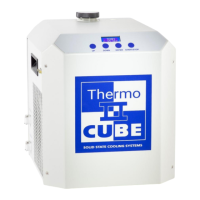
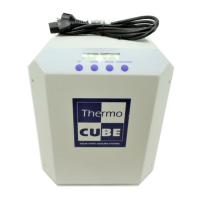
THERMOCUBE PAO CHILLER PART # 52-400-2G-1-PAO
SOLID STATE COOLING SYSTEMS, 167 MYERS CORNERS ROAD, WAPPINGERS FALLS, NY 12590 9
TELEPHONE: (845) 296-1300 FAX: (845) 296-1303 WEB: WWW.SSCOOLING.COM VERSION M9
SECTION 4
START UP _______________________________________________________________
Note: In order to avoid injury or damage, operators must only use this product in the
manner specified below.
Start-up the ThermoCube using the following steps:
1) Connect coolant tubing to fluid connections located on the left side
of the unit, labeled Process Out (supply) and Process In (return).
2) Connect Alarm Signal connector (if option chosen).
3) Remove the reservoir cap on top and fill the reservoir to just below
the bottom of its neck with coolant. Replace cap.
4) Plug line cord into 100 - 240 VAC, 50/60 Hz.
5) Turn on switch located on the left side of the unit. The front display
should read the current coolant temperature. If the front display
reads “TANK LEVEL LOW”, add more coolant to the reservoir
until the display changes to read the coolant temperature.
Important Notes:
1) If the tank level low alarm persists, or if another alarm is displayed,
consult section 6.0 of this manual.
2) If using an alcohol/water mixture, do not exceed 25% alcohol or the
reservoir level float may not rise sufficiently when filled to turn off
the tank level low alarm.
SECTION 5
OPERATION ______________________________________________________________
The ThermoCube is operated via the control panel located on the front
panel. The control panel has a 16-character LCD display and four input
keys: UP, DOWN, ENTER, and START. These keys work as follows:



 To Next Page