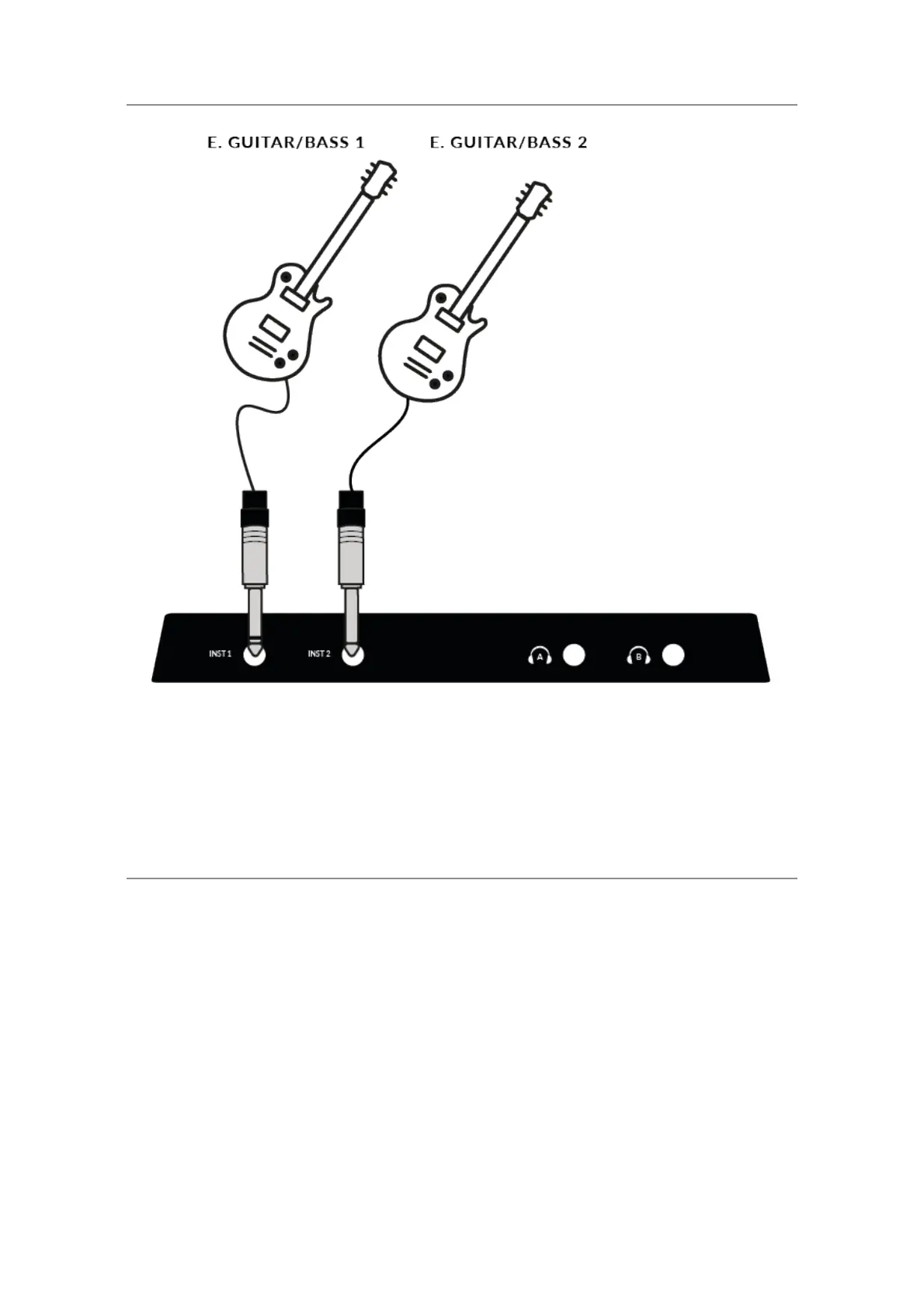
Electric Guitars and Basses (Hi-Impedance Sources)
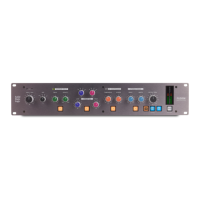
•Plug your guitar/bass into INST 1 or INST 2 on the lower front panel using
a jack cable.
•Follow Steps 2 and 3 on the previous page to set your levels for recording.
Monitoring Your Inputs
Once you have selected the correct input source and have a healthy 3
green LEDs of signal coming in, you're ready to monitor your incoming
source.
1. First, ensure that the MIX control is rotated towards the side labelled
INPUT.
2. Secondly, turn up the PHONES control to listen on headphones. If you
want to listen through your monitor speakers, turn up the MONITOR LEVEL
control.




 To Next Page