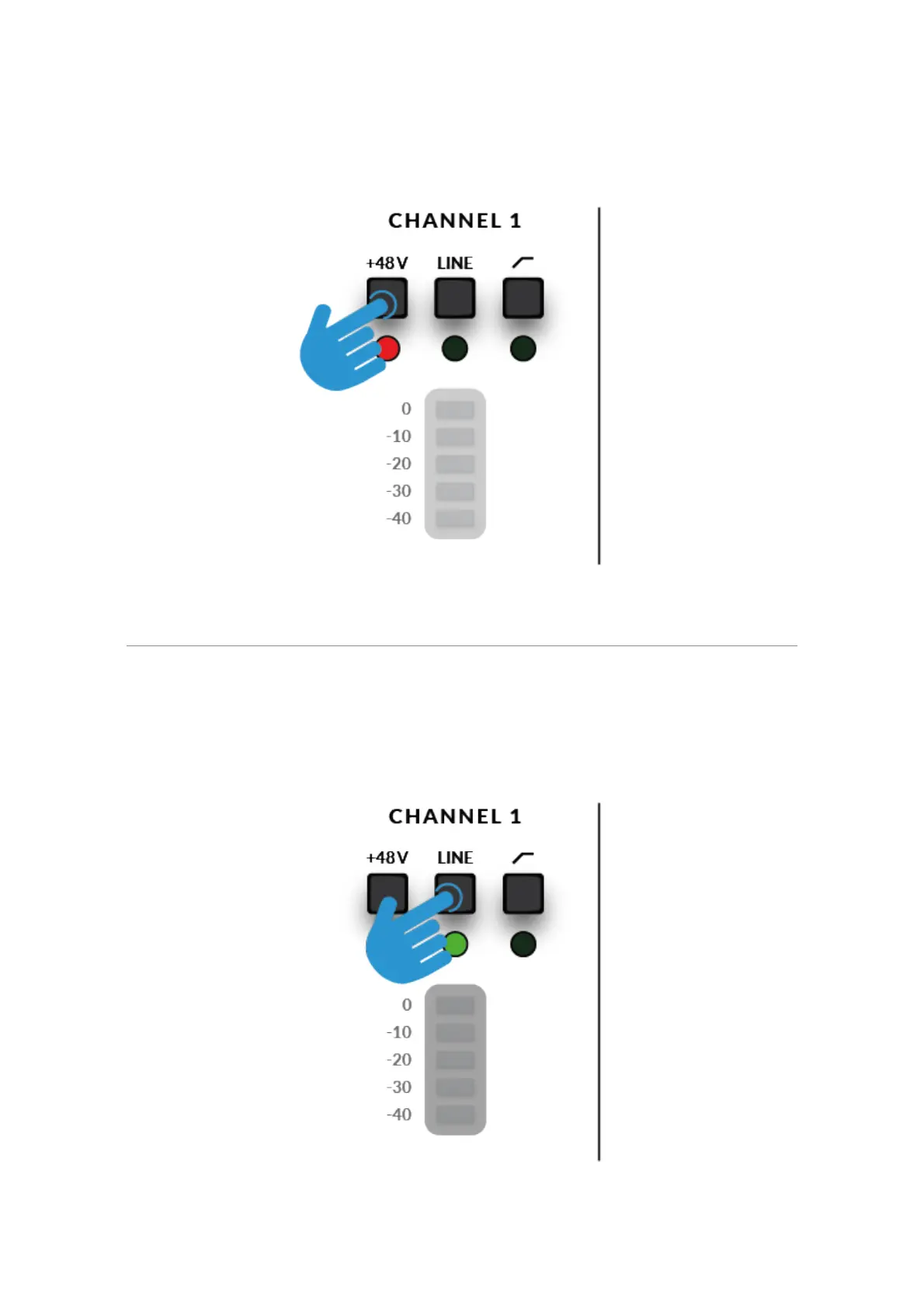
top red LEDs blink whilst phantom power is applied. The audio will be
muted for a few seconds. Once phantom power has been engaged,
proceed with steps 2 and 3 like
before.
Keyboards and Other Line-Level Sources
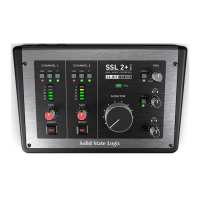
• Plug your keyboard/line-level source into INPUT 1 or INPUT 2 on the rear
panel using a jack
cable.
• Follow Steps 2, 3 & 4 on the previous page to set your levels for recording.





 To Next Page