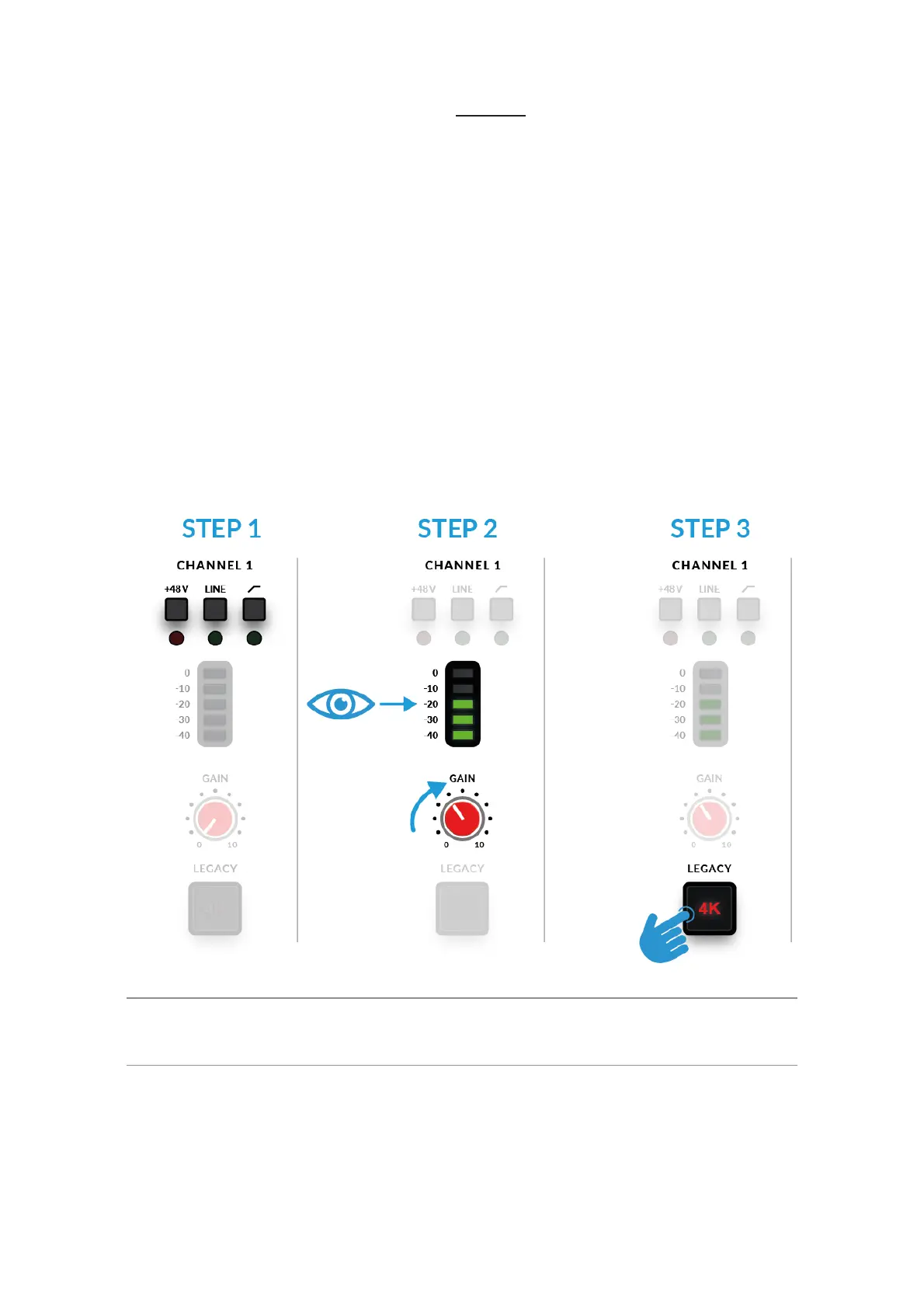
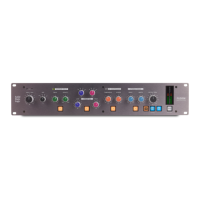
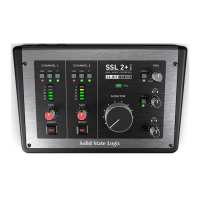
1. On the front panel, make sure that Neither +48V or LINE!are pressed
down.!
2. Whilst singing or playing your instrument that has been mic'd up, turn the
GAIN control up until you consistently get 3 green lights on the meter.
This represents a healthy signal level. It's OK to light up the amber LED
(-10) occasionally but make sure you don't hit the top red LED. If you do,
you'll need to turn the GAIN control down again to stop clipping. Engage the
High Pass Filter switch to remove unwanted subsonic rumble, if you need
it.
3. Push the LEGACY 4K switch to add some extra analogue character to
your input, if you need it.
Condenser & Active Ribbon Microphones
Condenser & Active Ribbon microphones require phantom power (+48V) to
work. If you're using a condenser or Active Ribbon microphone, you'll need
to engage the +48V switch. LINE should remain unpressed. You'll notice the


 To Next Page