Troubleshooting
Correct functioning:
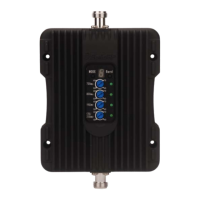
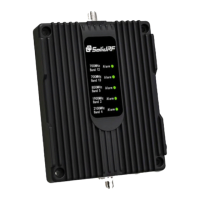
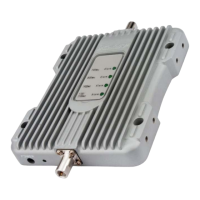
The lights on the front panel indicate the condition of the booster. Every time the booster is
powered on, all of the lights will be green in color for several seconds then off. This means the
booster has passed the self check and is in good condition.
Incorrect functioning:
• If any of the lights on the front panel are flashing in green, it means that self oscillation is
occurring. You must switch off the booster and check the outside and inside antennas
immediately. Make sure you have followed the recommended installation process and check
each step carefully. Refer to Self Oscillation section for more details of minimum required
separation distance, antennas installation. If you can not fix the problem please contact the
technical support or the reseller.
• If the power light is flashing, please contact the technical support.
SolidRF Technical Support: Support@SolidRF.ca


 To Previous Page