6. Operation6. Operation
The other 3 setting in AUS STD. setting are as below:
1. Power Rate limit
Wgra: 0-100%, Default 16%
2. Freq. Derate set
Set Derate Mode:01
Set Freq.: 51-52Hz, Default 52Hz
3. 10mins OV-G-V set
10mins Voltage: 244-255V, Default 248V
.35..34.
6.5.8 EPM Settings
Select EPMSettings from the Main Menu to access the following options:
NOTE:
To access to this area is for fully qualified and accredited technicians only.
Pleasefollow6.4toenterpasswordtoaccessthismenu.
The default password is “0010". Please press “down” to move the cursor, press “up” to
selectthenumber.
6.5.8.1 Set Backflow Power
This submenu is used for set allowedpowerthatinvertercangeneratetogrid.
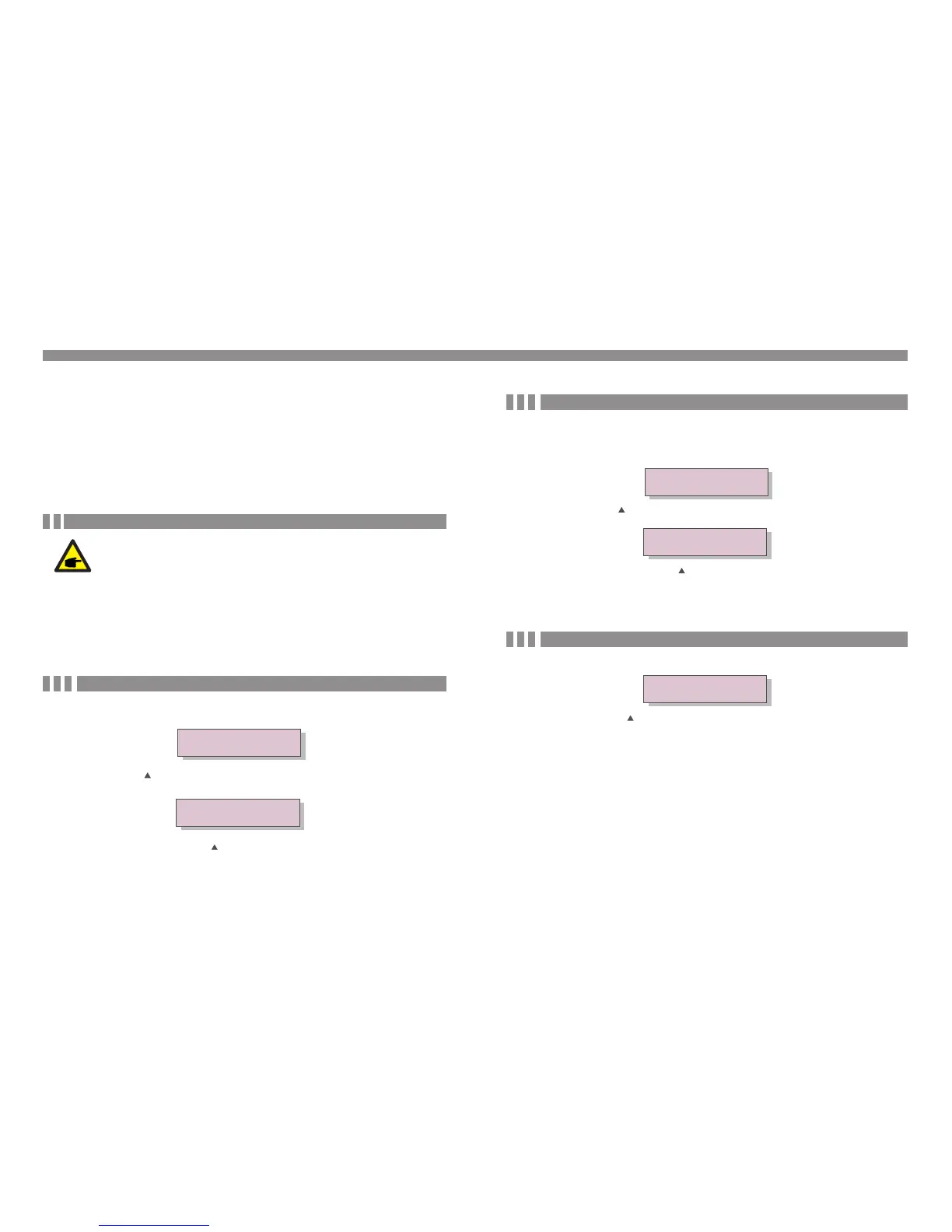
->Set Backflow Power
Figure 6. Set the power 20 backflow
Figure 6.21
YES=<ENT> NO=<ESC>
P_Backflow:-0001W
Press the UP/DOWN keys to set data.Press the ENTER key to set backflow power
Then press DOWN keys to move the cursor, press UP to change the number.
Press the ESC key to save the settings and return to the previous menu.
6.5.8.2 CT Sampling Ratio
This function is used for change CT Sampling Ratio if customer select different CT.
The default radio is 3000:1.
-> CT Sampling Ratio
Figure 6.22 Set the CT Para of the EPM
Figure 6.23
YES=<ENT> NO=<ESC>
Ratio:3000:1
Press the UP/DOWN keys to set data.Press the ENTER key to set CT Para .
Press the ESC key to save the settings and return to the previous menu.
6.5.8.3 EPM ON/OFF
Figure 6.24 Set the EPM ON/OFF
YES=<ENT> NO=<ESC>
EPM Set:ON
Press the UP/DOWN keys to set ON/OFF.Press the ENTER key to set done .
Press the ESC key to the previous menu.
This function is used to enable or disable backflow power control function.
1. Set Backflow Power 2.CT Sampling Ratio 3. EPM ON/OFF 4.CT Link Test







 To Next Page