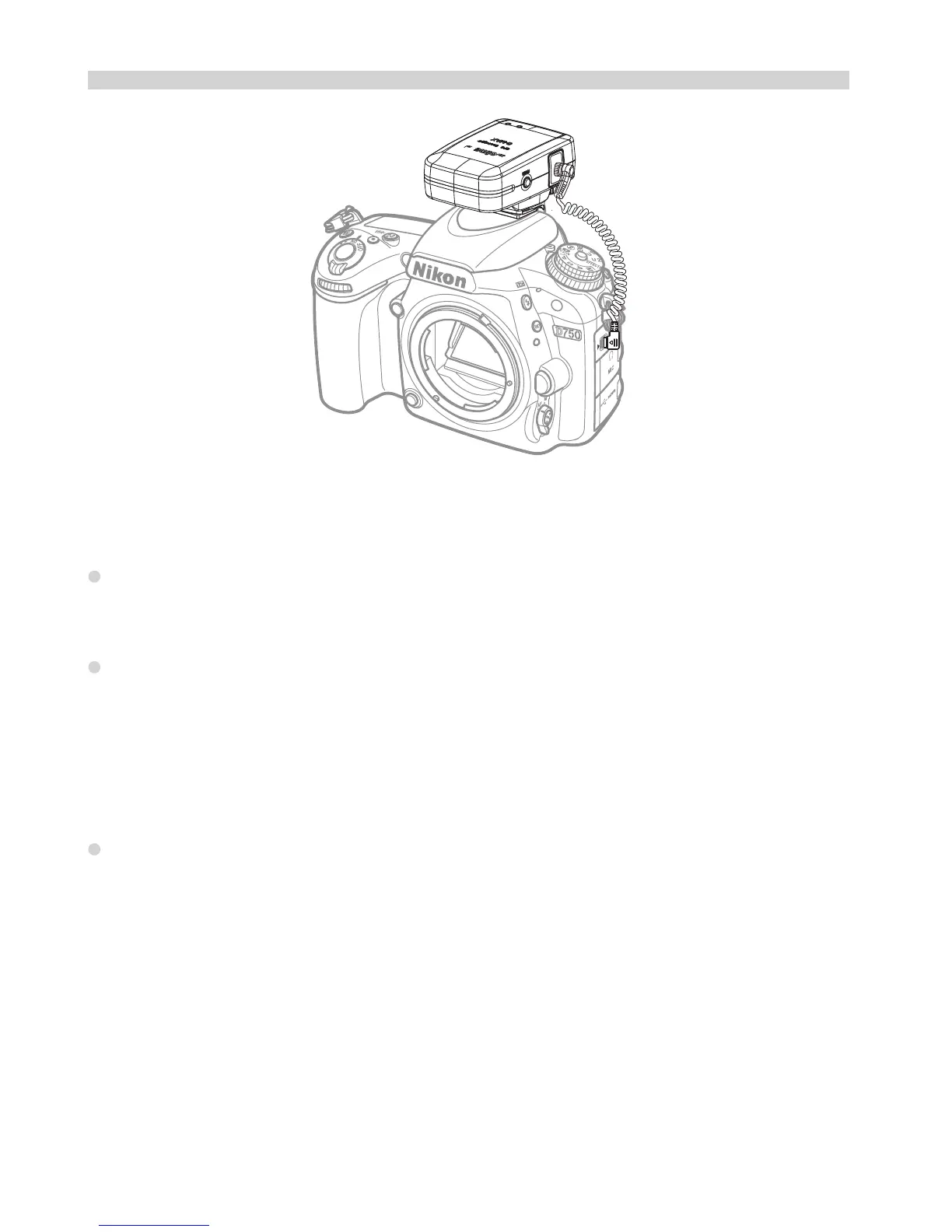
Geotagging Image as you shoot
The GMAX is connected to the Accessory termainal camera
Note
Since each camera’s GPS application is different, the user must refer
to the camera’s manual to know the detail of how to use the GPS unit.
If you wish to take geotagged photos in situations where the GPS
signal is lost after it was acquired, such as when going indoors to
continue shooting, the receiver’s “indoor location” function, which is
enabled by default, will reuse the last known position for subsequent
image.
Following with each shutter release, the image’s GPS information
also is recorded in the log file and the data is marked a “ *Flash* ” to
indicate.
9


 To Next Page