Solwise Ltd., www.solwise.co.uk, sales@solwise.co.uk
- 13 -
4.3 Use IPCamSearch Tool to setup IP Cameras
Put the supplied CD into your CDROM, Click and run IPCamSearch Tool.
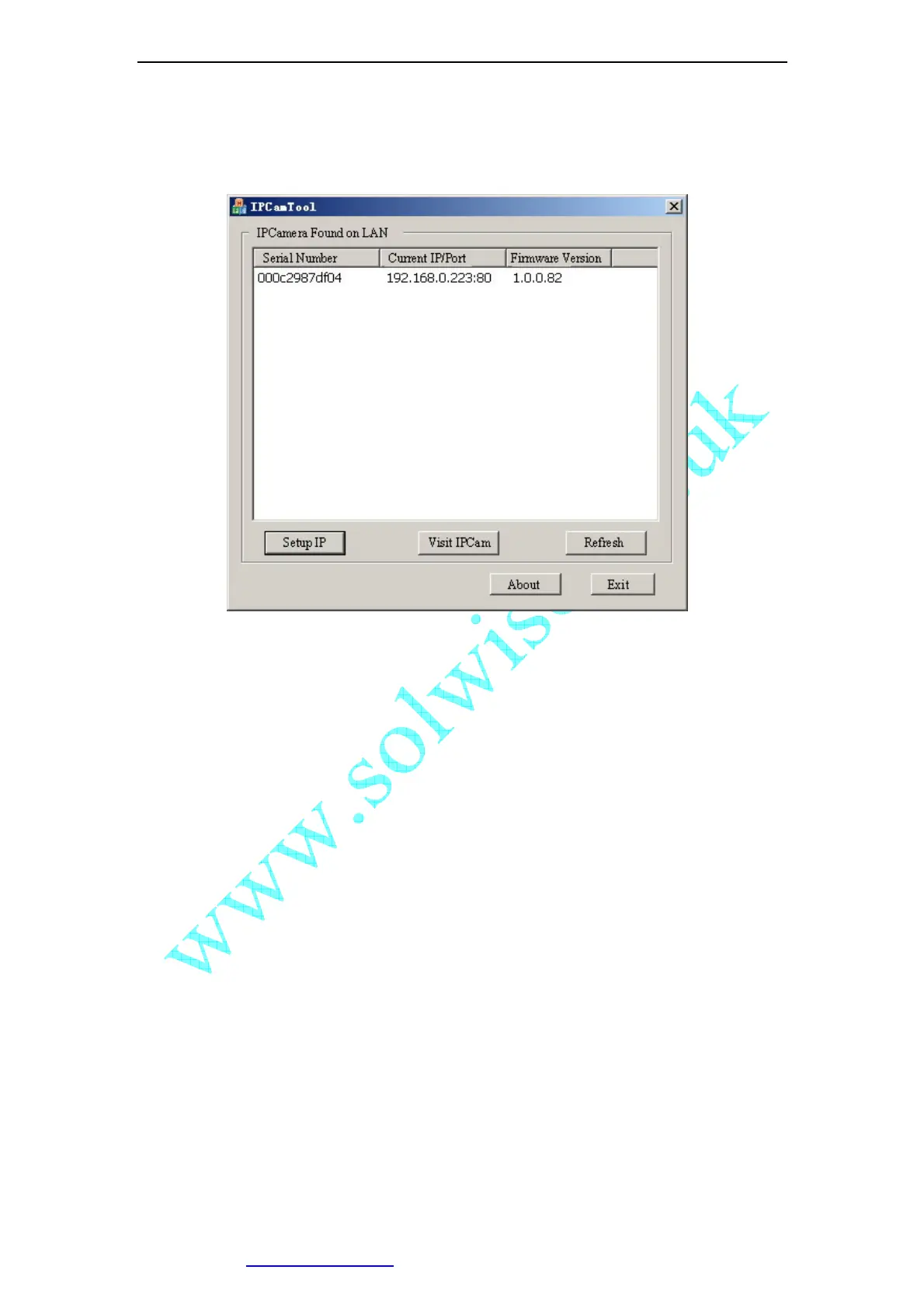
Figure 14 IP Camera Search Tool
This tool shows all IP Cameras found on your LAN with its Serial Number/IP
Address/Firmware Version. If your IP Camera’s IP address is not as the same segment
of your PC(defined by IP Address and Network Mask), you may not be able to visit your
IP Camera. For example, Your PC’s IP address is 192.168.100.33, network mask is
255.255.255.0, then your PC will only reach IP address 192.168.100.1 to
192.168.100.255, If your IP Camera’s IP Address is not within this range, you cannot
access it. Then you may click [Setup IP] button to change IP Camera’s IP address to
adopt your PC setting.
Click [Auto Set], let IPCamSearch tool find an available IP Address for you.



 To Next Page