Solwise Ltd., www.solwise.co.uk, sales@solwise.co.uk
- 16 -
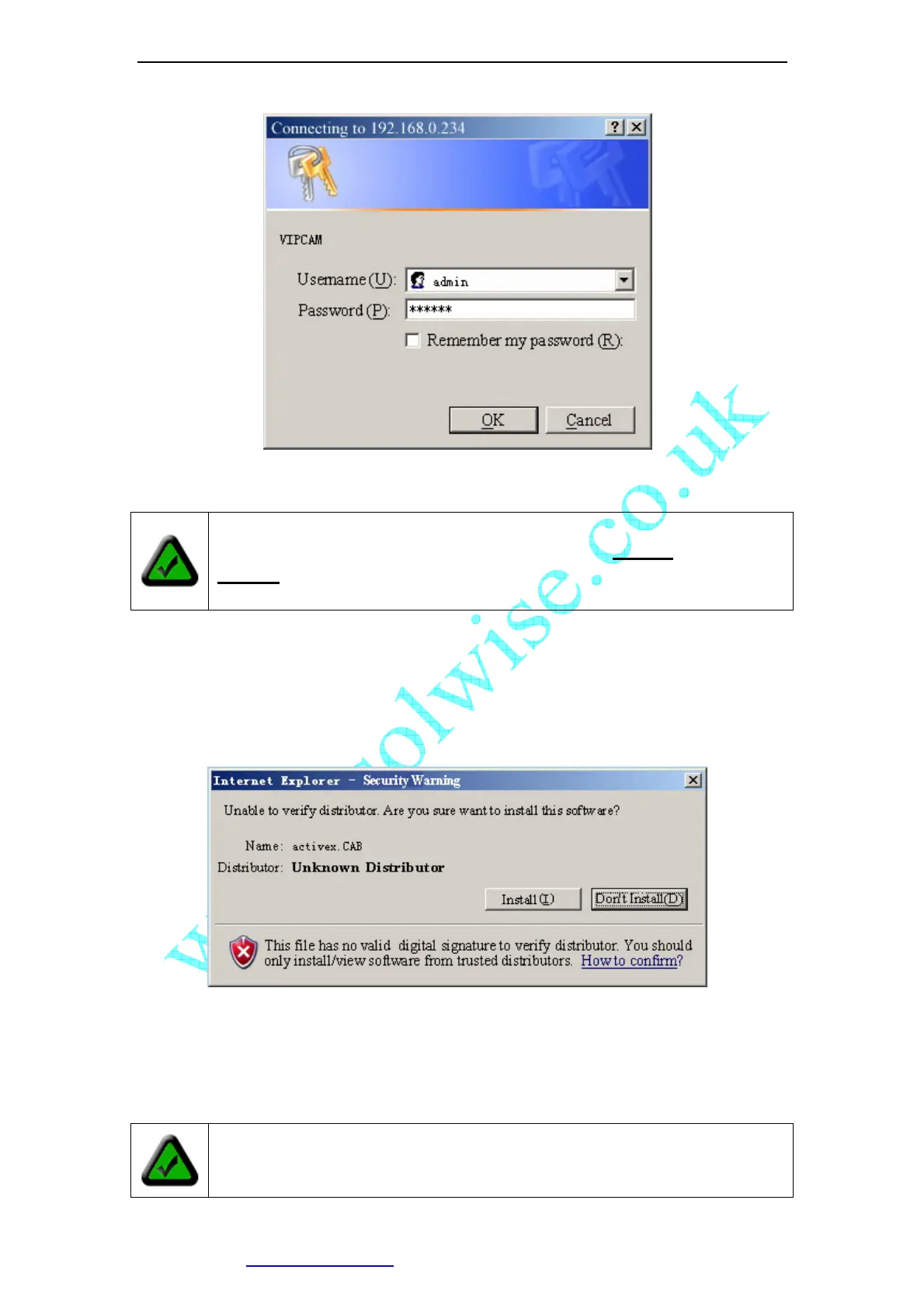
Figure 18 Login Message box
Input correct Username and password, then you can view the video.
If you are using IE ActiveX mode, for the first time, you will be alert to install ActiveX
control.
If you have enabled ActiveX Control in your IE configuration properly (See below to see
how to setup IE security configuration), you will see a dialog like the one shown here.
Figure 19 IE Security Warning
Click [Install] to continue. If you cannot see the message above, you must modify IE’s
security configuration.
You can follow this procedure to setup IE security configuration:
1. Select [Internet Options] in [Tools] menu of IE;
Note: By default, administrator’s username is: admin, password is:
123456
Note: You must setup Internet Explorer’s security configuration properly, allow
unsigned ActiveX Control to install.



 To Next Page