Solwise Ltd., www.solwise.co.uk, sales@solwise.co.uk
- 3 -
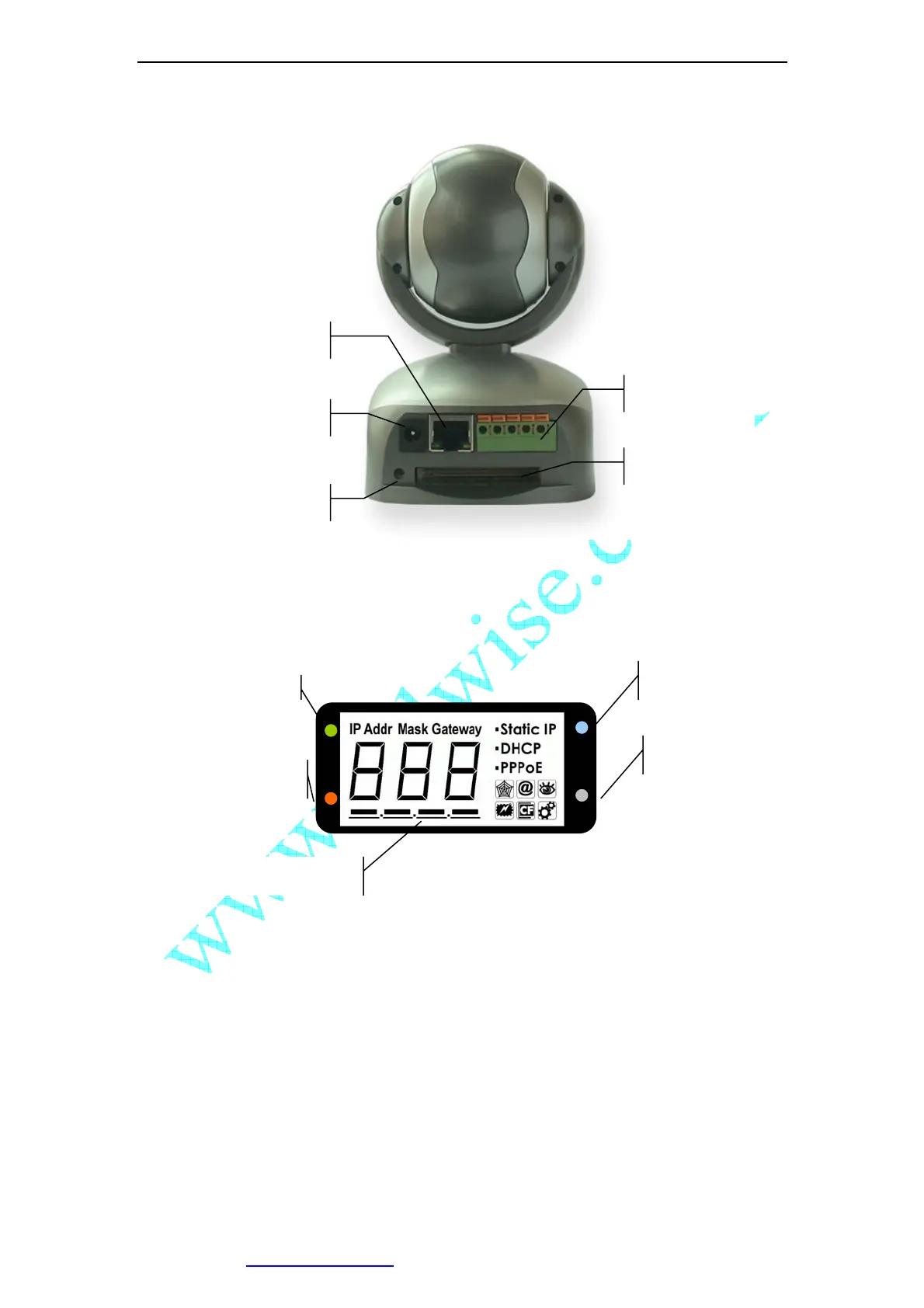
Figure 3 IP Camera Back View
1.3.2 Indication and Operation
Figure 4 Front View Indication and Operation
The privacy button toggles Privacy mode and Normal mode, In Privacy mode, all the
remote users will not be allowed to see the video.
LED: Privacy
Button: Privacy
LED: User Visiting
LED: Working
LCD
CF Card Socket
RESET Button
Input&Output Pins
RJ45 Ethernet Socket
DC 5V Input Socket



 To Next Page