23
PROGRAM A FAVORITE (MY) POSITION
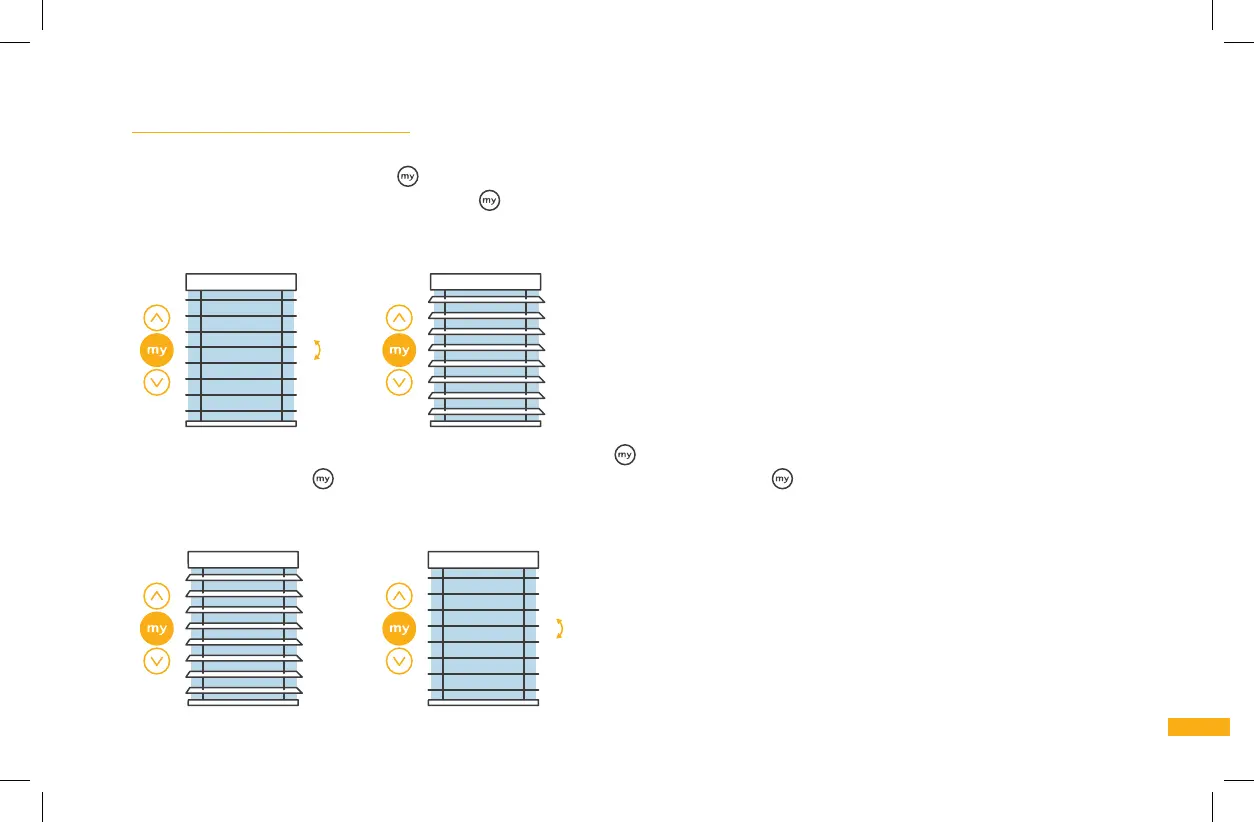
6j. Completing programming is required (see step 6f) before proceeding. Set the blinds to the position you will want them in most of the
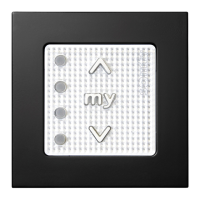
time. Press and hold the MY button
until the blind slats briefly tilt up and down. The MY setting is now programmed. The blind will
return to this position whenever you press MY
in the future. NOTES: If the blind is currently in motion, press the MY button twice –
once to stop it and once again to return it to the MY position. When activating the MY position, blind slats will ALWAYS tilt to the full
downward position, then return to the programmed MY position.
Brief
tilt up &
down
6k. To delete the MY position setting, briefly press the MY button . The blinds will move to the previously set MY position. Then press
and hold the MY button
until the blind slats briefly tilt up and down. The MY button is now ready to re-program to a new position
(see step 6j).
NOTE: When activating the MY position, blind slats will ALWAYS tilt to the full downward position, then return to the
programmed MY position.
Brief tilt
up & down



 To Next Page