B
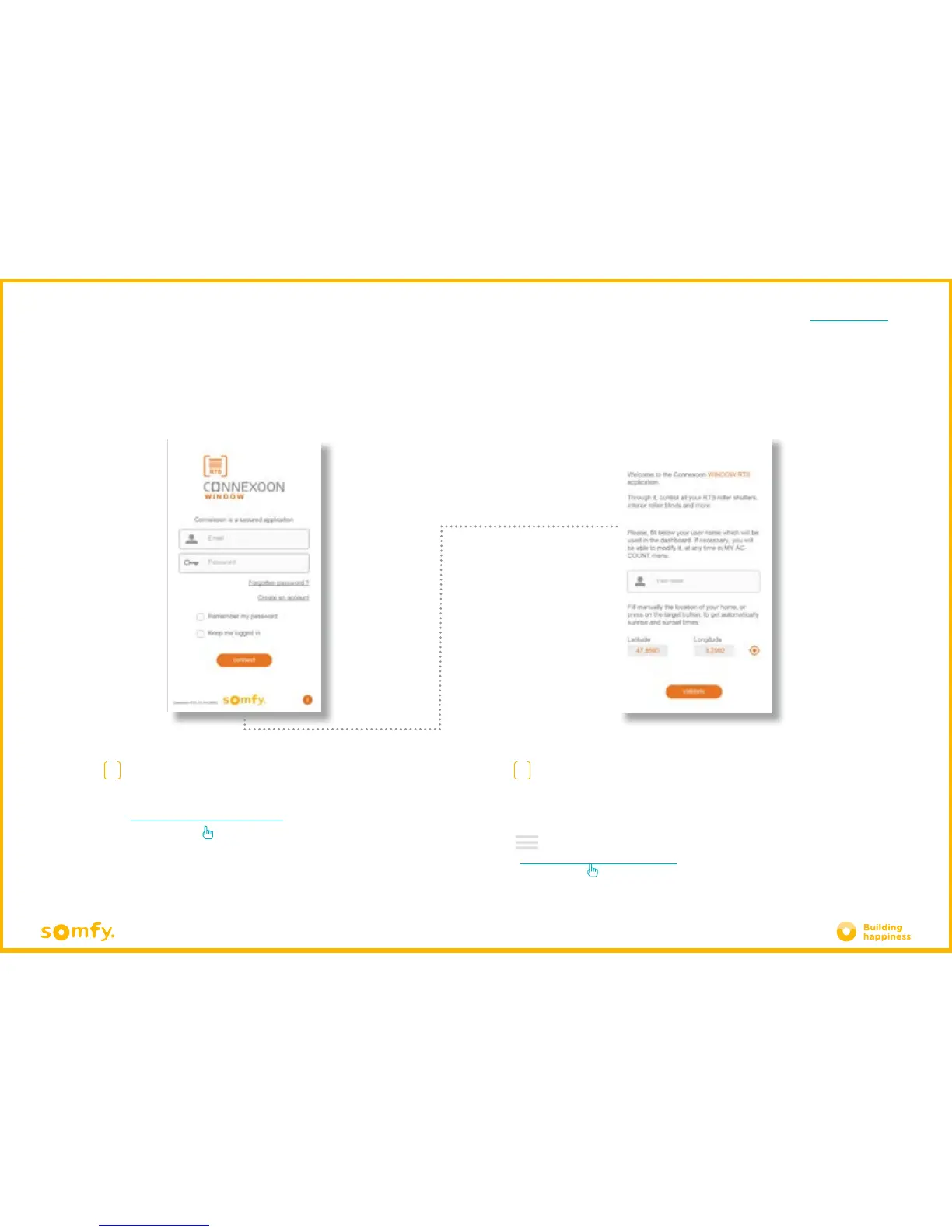
Set your personal identity.
Your identity enables you to find out what actions have been performed
from your Smartphone.
You can change your identity at any time in the "settings" tab in the
menu
( see page 36, my account menu )
A
Enter the email address and password that you
have defined during the activation of your RTS
Connexoon window unit
( see page 14, Activation screen )
C. DOWNLOADING THE RTS CONNEXOON WINDOW APPLICATION







 To Next Page