C. REMOVING RTS PRODUCTS VIA
THE APPLICATION
C
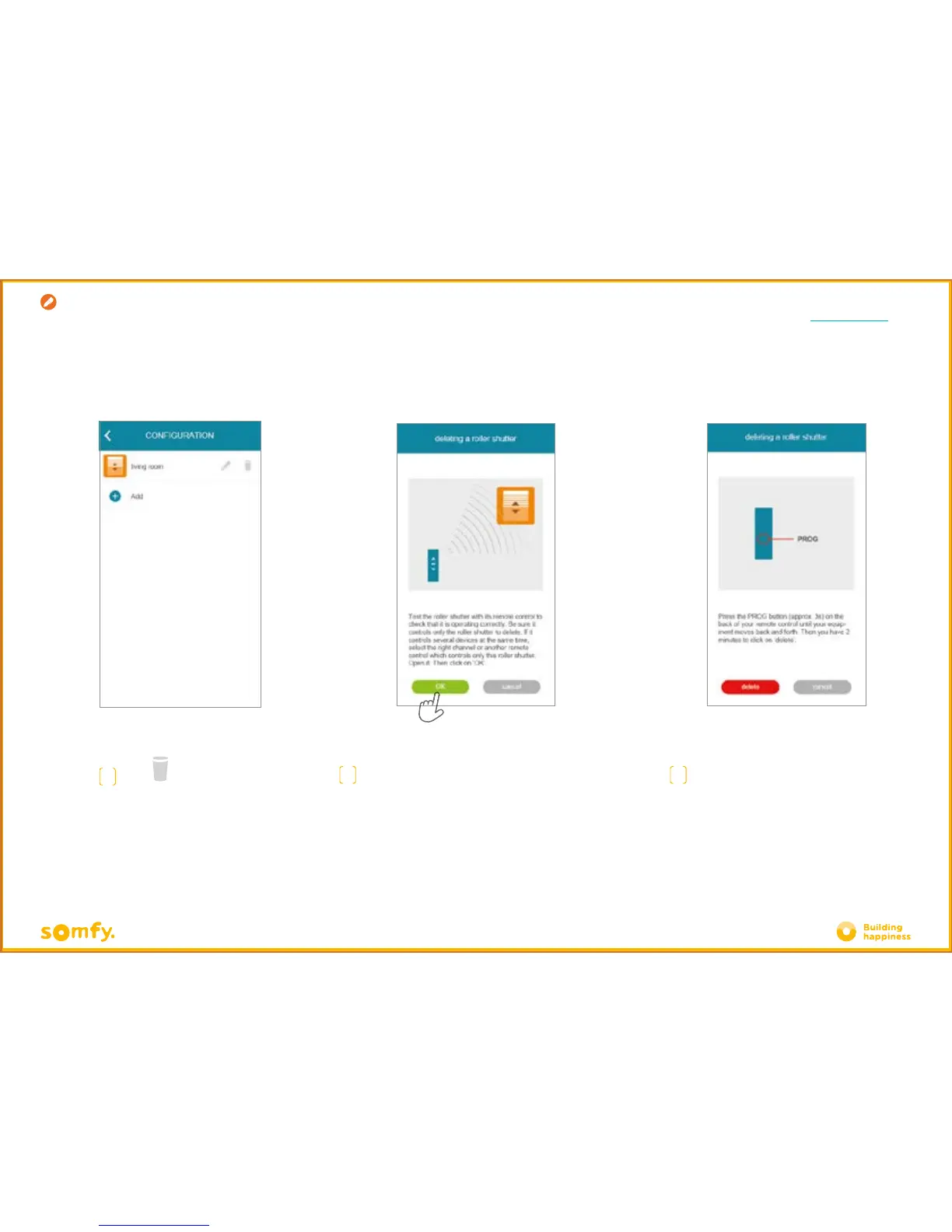
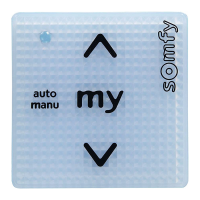
Press the PROG button of the control
actuating the product to be removed for about
3 seconds, until it makes an up and down
movement (or flashes).
You then have 2 minutes to confirm by
pressing "delete"
B
Ensure that the control only actuates the product
to be removed. Test the product by controlling it from
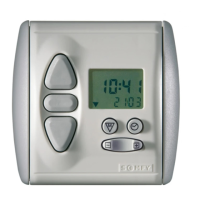
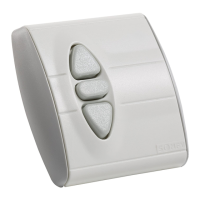
the wall switch or handset.
Creation
C
Press







 To Next Page