back
CELLULAR SHADE
21/47
B. CONTROL MY PRODUCTS
Creation
< Back to Contents
A
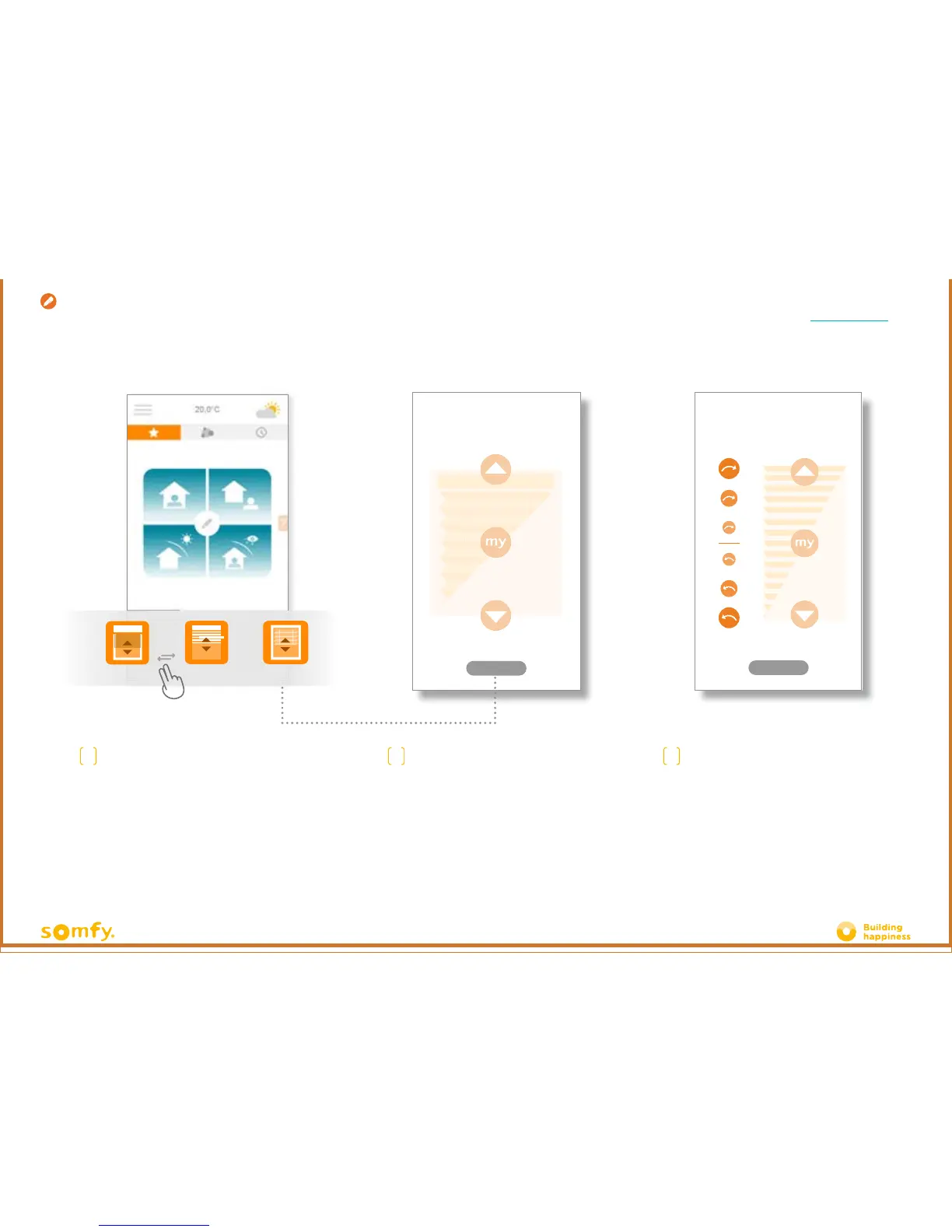
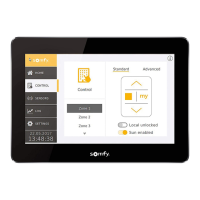
You can control your
blinds, curtains, lighting, within the grey frame
located at the bottom of your interface.
Scroll-down the list by dragging it right or le.
Press the icon of the product that you wish to
control.
B
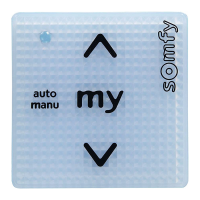
Adjust the position of your equipment by
pressing the arrows or the "my" button.
This will cause your equipment to move.
Press "back" to return to the home page.
!
Equipment with adjustable
slats.
To vary the position of the slats, press the
circles on the le of the screen.
The more round and large a circle is,
the greater the slat's angle of rotation.







 To Next Page