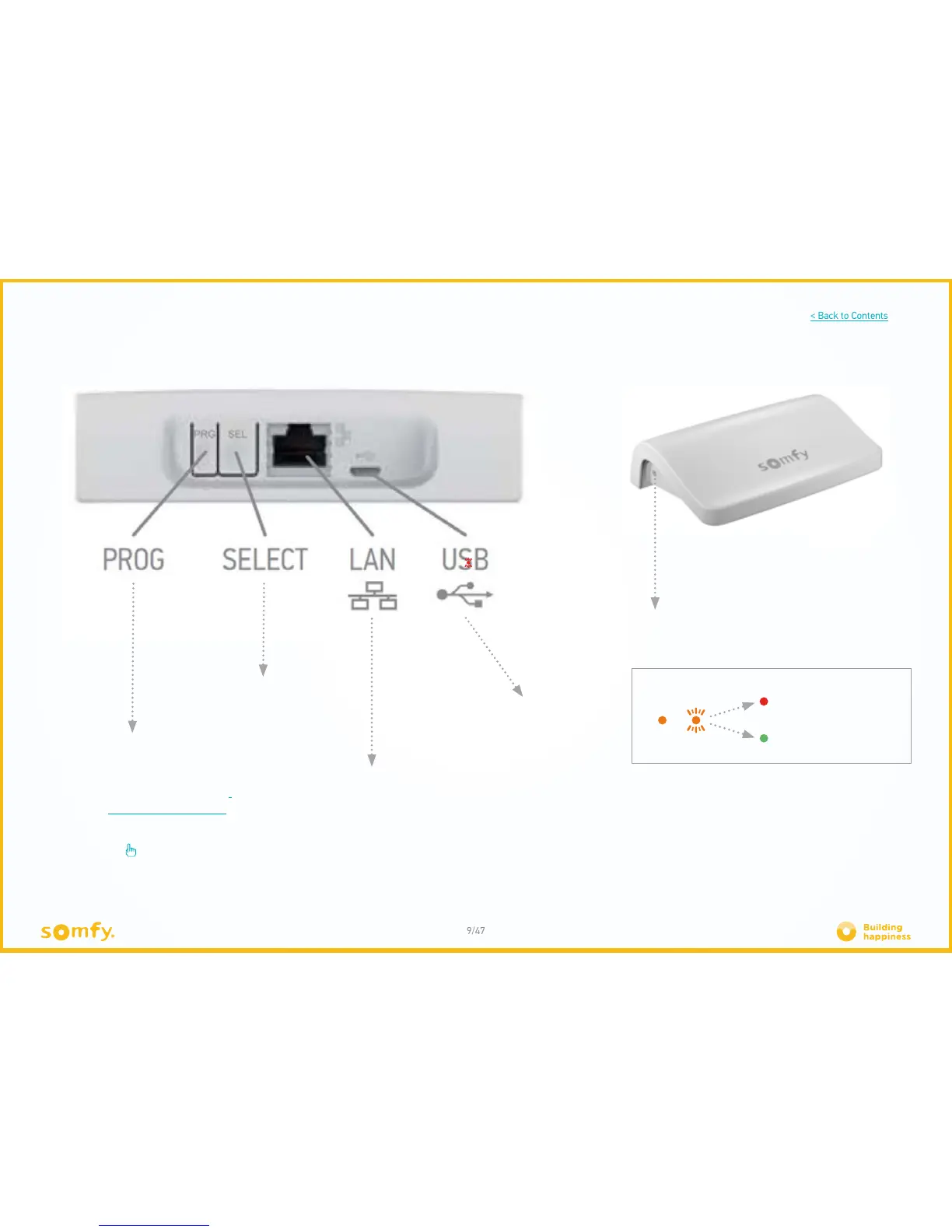
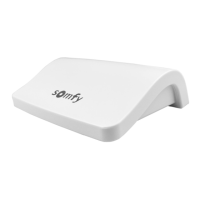
B. THE CONNEXOON UNIT
The PROG button enables your
motorised Somfy products to be
registered in your Connexoon
RTS unit, without an internet
connection. Connexoon (prog-prog)
The LAN socket enables the Connexoon unit
to be connected to the internet unit via an
ethernet cable.
The USB port enables the Connexoon
unit to be supplied via a power cable.
The LED indicator light shows the status of the unit,
as well as the actions in progress.
1. Start-up 2. Connection status
Internet connection
problem
Functional internet
connection
10 seconds13s
The SELECT button enables the channel
to be selected (6 available channels)







 To Next Page