Set&Go io
EN
For more details, see the application instructions.
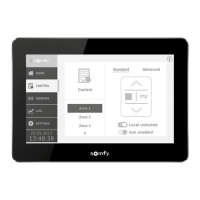
6. MAIN SCREEN OVERVIEW
io-homecontrol® two-way,
with "LBT" (Listen-
Before-Talk)
(searches for an unoccupied radio
frequency prior to transmitting).
The building in which the product is used may
reduce the radio range.
7. TECHNICAL DATA
An Internet connection is required for step 1 (before visiting the worksite).
1)
- Launch the Internet browser.
- www.somfypro.com/Set-Go and follow the
instructions to download the Set&Go
io application.
-
to install the application on the computer.
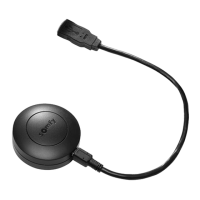
Connect the Set&Go
io to the computer using the USB
cable and follow the instructions displayed on the screen
to complete installation.
- Launch the application and follow the instructions.
To secure the Set&Go
Stick the support in the desired location and press on it
io
on the support.
1
5. COMMISSIONING
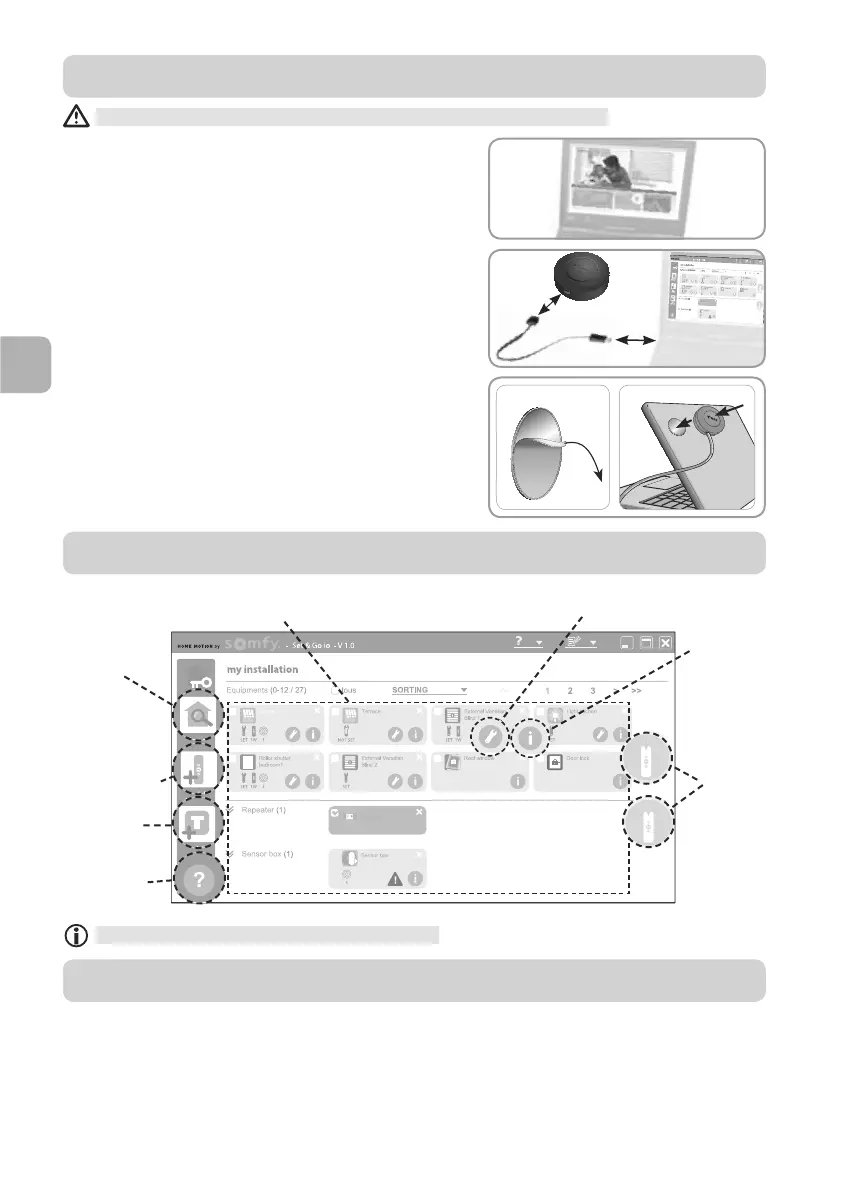
View the io-homecontrol® devices in the installation
(name, type, setting status, pairing status)
Detect the
installation
Send the security
key to another
io-homecontrol®
two-way control
point, or to a
TaHoma® unit
Set the selected
device
Identify and
read information
about the
selected device
Pair the
selected
devices with
a local or
two-way
control point
Display help
windows





 To Next Page