EasyManua.ls Logo

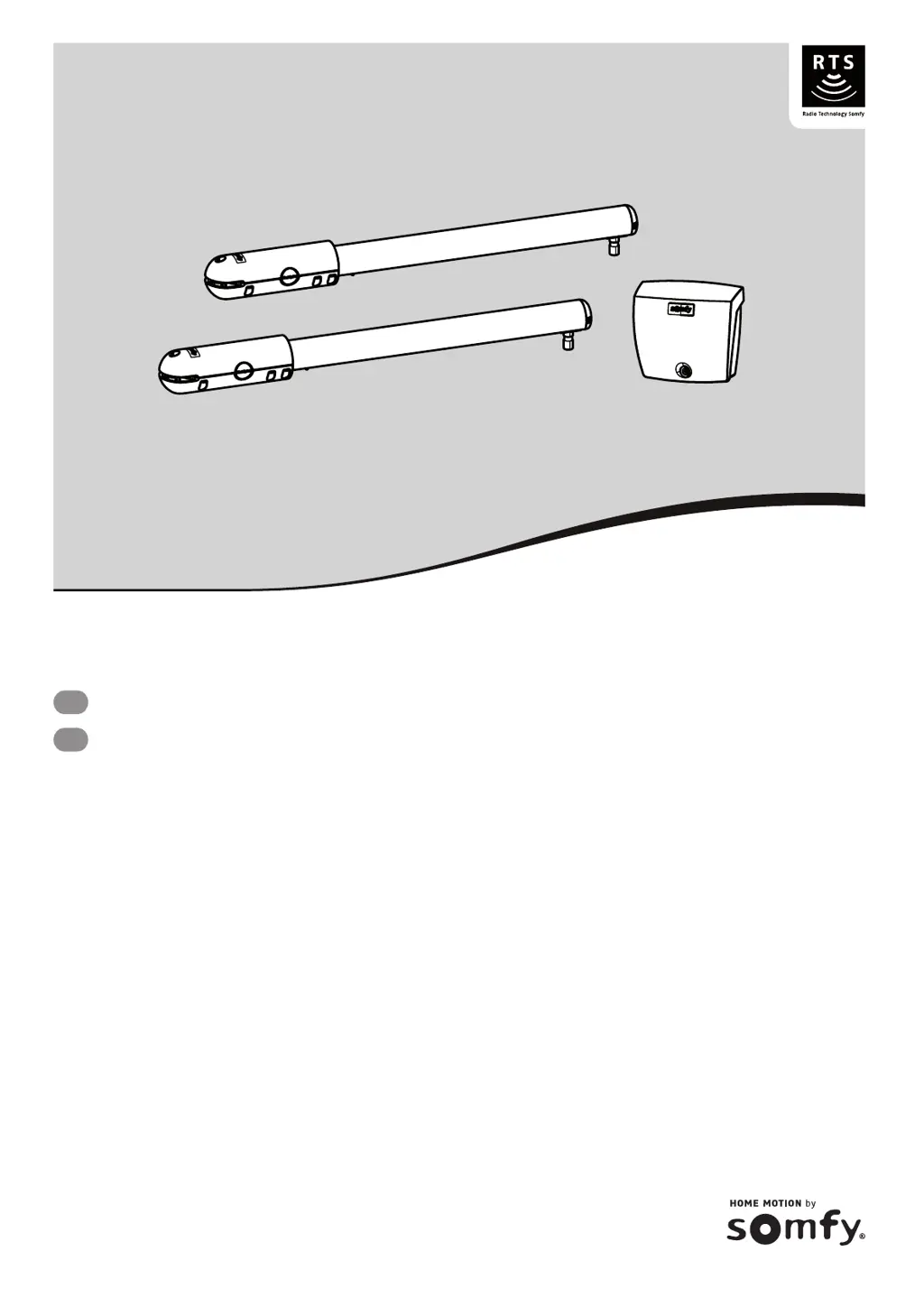
SOMFY SGS 501 - User Manual

SOMFY SGS 501
72 pages
Print Icon
To Next Page IconTo Next Page
Loading...
5073893A
SGS 501
EN
Operating and installation guide
DE
Montage- und Gebrauchsanleitung

Table of Contents

Other manuals for SOMFY SGS 501

Questions and Answers

  • E
    Erin SmithSep 3, 2025
    What does it mean if SOMFY SGS 501 control unit's indicator light flashes 2 times?
    • J
      James MorrowSep 3, 2025
      If the control unit's indicator light flashes 2 times, the motor is waiting for auto-programming. Begin auto-programming of the gate leaf travel.
  • V
    veronicastoutSep 18, 2025
    What to do if the SOMFY Garage Door Opener control unit indicator light flashes 5 times?
    • W
      Wanda GarciaSep 18, 2025
      If the SOMFY Garage Door Opener control unit's indicator light flashes 5 times, the electronics thermal safety has been activated. Allow the electronics to cool down until the indicator light comes on continuously.
  • J
    Justin BlairSep 16, 2025
    Why is the SOMFY Garage Door Opener control unit indicator light flashing 2 times?
    • A
      April BanksSep 16, 2025
      If the SOMFY Garage Door Opener control unit's indicator light flashes twice, the motor is waiting for auto-programming. Begin auto-programming of the gate leaf travel.
  • O
    olittleSep 14, 2025
    What does it mean when the SOMFY Garage Door Opener control unit indicator light flashes 4 times?
    • G
      Gregory RuizSep 14, 2025
      If the SOMFY Garage Door Opener control unit's indicator light flashes 4 times, there is a permanent control on the "START" of the electronic unit. Check the accessories connected to the electronic unit's "START" output.
  • P
    pattersoncharlesSep 12, 2025
    Why is the SOMFY Garage Door Opener control unit indicator light flashing 1 time?
    • J
      James MejiaSep 12, 2025
      If the SOMFY Garage Door Opener control unit's indicator light is flashing once, it means the system is running on the backup battery. Check the mains power supply.
  • H
    hfreemanSep 12, 2025
    What does it mean when the SOMFY Garage Door Opener control unit indicator light flashes 6 times?
    • A
      Amy StoneSep 12, 2025
      If the SOMFY Garage Door Opener control unit's indicator light flashes 6 times, it indicates a short circuit. This could be in the electronics unit's BUS output, the 24 V output, or the orange light output. Check the accessories connected to these outputs. It could also indicate a motor short circuit, so check the motor wiring.
  • K
    Kristen BrownSep 9, 2025
    Why does the SOMFY Garage Door Opener control unit indicator light flash 3 times?
    • T
      Traci BennettSep 9, 2025
      If the SOMFY Garage Door Opener control unit's indicator light flashes 3 times, it indicates a problem with the photoelectric cells. Ensure that nothing is obstructing the cells and that they are correctly aligned. Also, check the cell wiring. If the cells are deliberately disconnected, perform the procedure “Deactivating automatic closing - returning to standard operation”.
  • C
    Charles BrownSep 7, 2025
    What to do if the SOMFY Garage Door Opener control unit indicator light is off?
    • A
      Andrew CarterSep 7, 2025
      If the indicator light on your SOMFY Garage Door Opener control unit is off, it could be because the electronics unit is on standby. Press the button for 2 seconds to reactivate it. Alternatively, there might be no power supply to the control unit. Check the power supply and the power supply cable.
  • J
    Jesse BarnesSep 5, 2025
    What does it mean if SOMFY SGS 501 control unit's indicator light flashes once?
    • J
      Joy DanielsSep 5, 2025
      If the control unit's indicator light flashes once, the system is operating using the backup battery. Check the mains power supply.
  • Z
    Zachary PowellAug 20, 2025
    Why is my SOMFY Garage Door Opener not responding to the remote control?
    • B
      Bradley RyanAug 20, 2025
      If the SOMFY Garage Door Opener motors aren't responding to the remote, it could be due to several reasons. First, the remote control battery might be low, so check it. Second, the control unit aerial (wiring, position) may have issues. Also, external factors like electric pylons or metal walls might be interfering with the signal; consider fitting an offset aerial if this is the case. Finally, ensure the remote control is properly memorized. If not, you will need to memorize the remote control. You should also check the motor wiring.

Summary

Composition of the Kit

Detailed Product Description

General Information

Product Description

Detailed overview of the product's features and specifications for gate automation.

Technical Data

Key technical specifications including power, motor output, and operating parameters.

Overview of Your Installation

Visual guide and list of components for a typical installation setup.

Safety Instructions

Introduction

General introduction to safety guidelines and compliance with regulations.

Preliminary Checks

Essential checks before installation to ensure product compatibility and safety.

Electrical Pre-Equipment

230 V Power Supply Input

Requirements and guidelines for connecting the 230V power supply to the system.

Cable Feed

Instructions for routing and protecting power and accessory cables.

Safety Instructions Relating to Installation

Safety Devices

Mandatory safety accessories like photoelectric cells and orange lights for safe operation.

Clothing Precautions

Safety advice regarding personal protective equipment during installation.

Safety Instructions Relating to Use

About the Batteries

Safety precautions for handling and storing batteries to prevent hazards.

Risk Prevention

Identification of Risk Zones

Identification and illustration of potential danger zones around the gate mechanism.

Measures to be Taken to Counter Risks

Solutions and safety measures to mitigate identified risks of impact and crushing.

Regulations

Recycling and Disposal

Protection of the Environment

Guidelines for proper disposal and recycling of product components and packaging.

Recycling

Specific instructions for recycling used batteries and electronic equipment.

Assistance

Installation and Commissioning

Drilling the Pillars

Step-by-step guide for measuring and drilling pillars for motor mounting brackets.

Securing the Motors to the Pillars and Gate Leaves

Attaching motor brackets, cylinders to pillars and gate leaves.

Installing the Control Unit

Mounting and securing the main control unit to the pillar or wall.

Connecting the Motors and Power Supply

Wiring motors and connecting the control unit to the mains power.

Commissioning and Programming

Initial setup, remote programming, and setting gate travel limits.

Customising Your Installation

Default Operation

Understanding sequential and complete opening modes for gate operation.

Automatic Closing

Configuring and using the automatic closing feature for the gate.

Pedestrian Opening

Setting up and operating the gate for partial or pedestrian access.

Memorising Remote Controls

Selecting Remote Control Buttons

Choosing buttons on remote controls for gate functions like full or pedestrian opening.

Memorising Remote Controls

Procedure for programming 2, 4, or 3-button remote controls to the system.

Wiring the Accessories

Photoelectric Cells Wiring

Connecting safety photoelectric cells for obstacle detection and safe operation.

Orange Light and Area Lighting Wiring

Wiring for indicator lights and area illumination for gate status and visibility.

Backup Battery

Backup Battery Installation and Wiring

Connecting and installing the backup battery for power outage operation.

Key Lock Connection

Wiring a key switch for manual control access.

Video Door Phone

Offset Aerial Connection

Connecting an enhanced aerial for improved radio range.

Remote Control Overview

Listing available remote control types for the system.

Solar - Somfy Solar Kit Set

Solar Power Supply Connection

Connecting the solar panel and charge controller to the gate motor.

Solar Power Advice for Use

Recommendations for optimizing battery life and energy consumption with solar power.

Troubleshooting Guide

Diagnostics and Repairs

Identifying common issues with motors and control unit indicators and their solutions.

Replacing Remote Control Battery

Step-by-step guide for replacing the battery in the remote control.

Clearing the Settings

Clearing Gate Settings

Resetting gate leaf travel and automatic closing configurations.

Clearing Memorised Settings and Remote Controls

Resetting all programmed settings and remote controls.

Unlocking and Locking Motors

Procedures for manually unlocking and locking the gate motors.

SOMFY SGS 501 Specifications

General IconGeneral
Power supply230 V AC
Motor voltage24 V DC
Protection ClassIP 44
ControlRemote control
Safety FeaturesObstacle detection

Related product manuals