- Synthetic Vision Malfunction (Optional)
If the synthetic vision depiction is known or suspected to be inaccurate or
malfunctioning:
1. Turn off synthetic terrain using the PFD Terrain/SVT menu
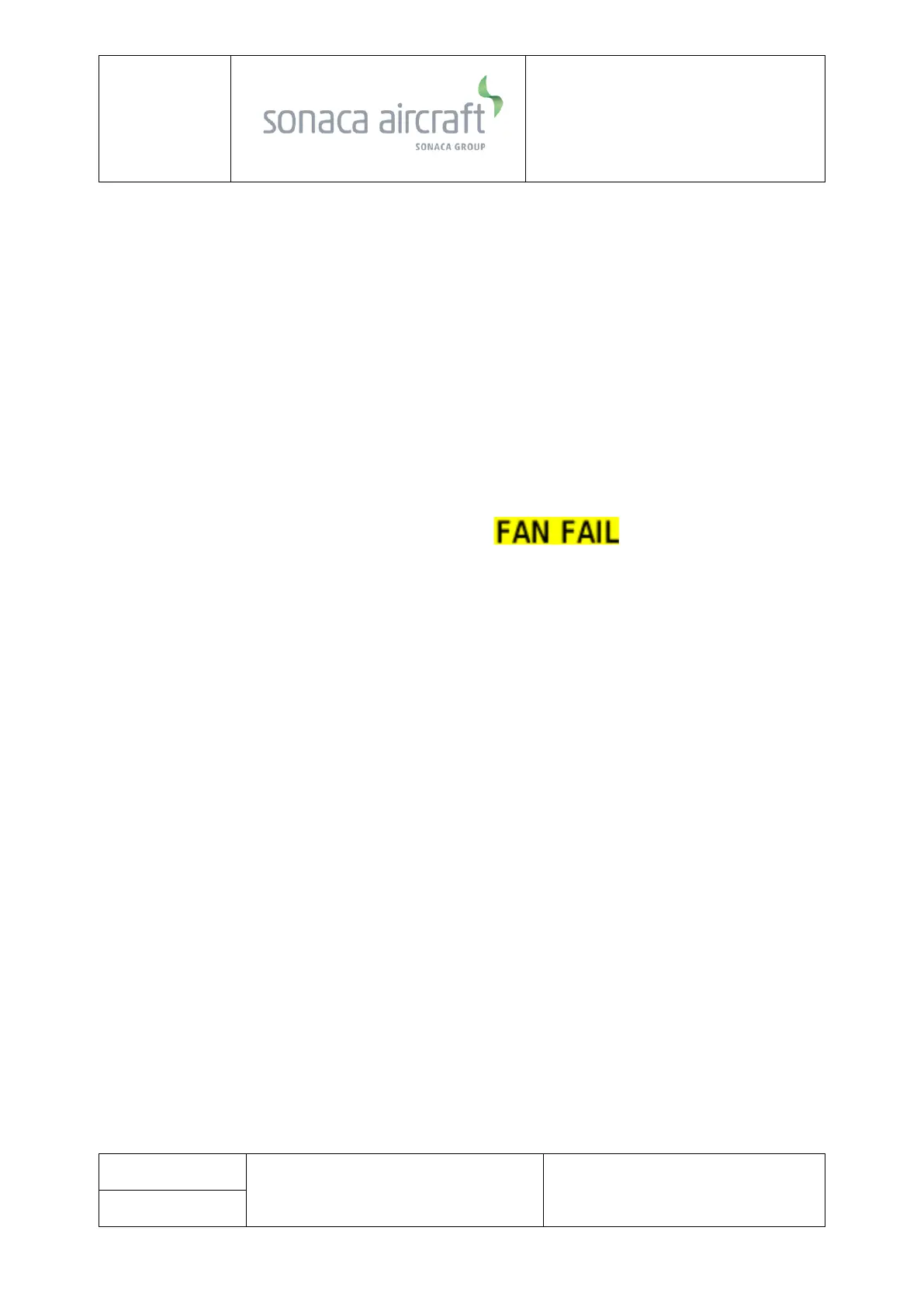
• Display Fan Failure
Display fan failure is indicated by an amber annunciation on the
affected display. Without fan cooling, the affected display will overheat and
shutdown.
1. Prepare for loss of the affected display.
• GPS Data Failure
GPS data failure may be indicated by any or all of the following:
- Loss of GPS course deviation information on HSI
- Amber “LOI” text on the PFD
- Amber “DG” text on the PFD
- Amber “NO GPS POSITION” text on the moving map
- Loss of waypoint bearing/distance information
1. Select alternate navigation source (VOR or LOC)



 To Next Page