Phone Basics 25
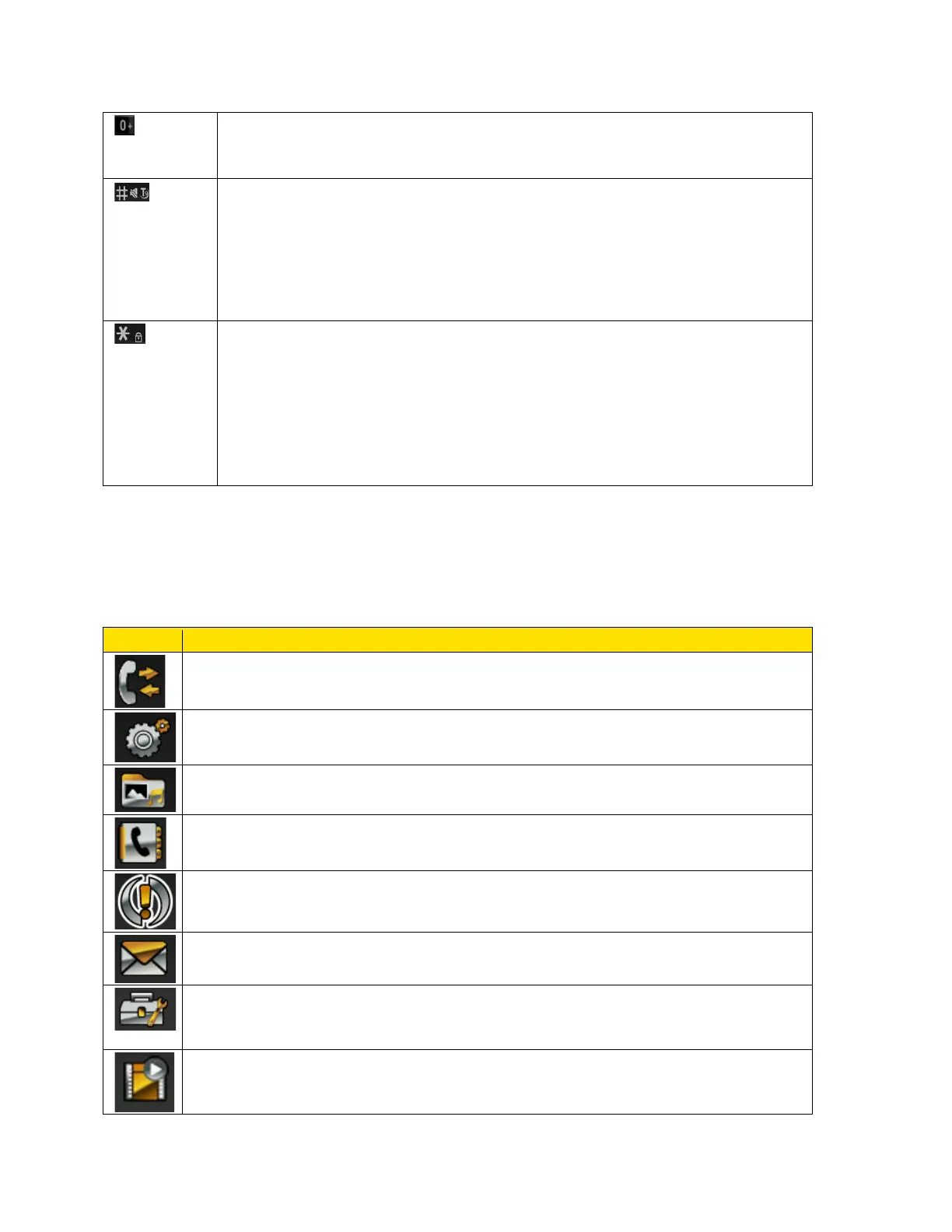
● Press and hold to display ‘+’ used for dialing an international number
while in standby mode.
● Press and hold to activate Silent mode.
● When entering text, press to switch between lower case, upper case
or initial caps characters.
● Press and hold to access text editor settings.
● Press LSK followed by this key to lock the keypad.
● With backlight on, press LSK followed by this key to unlock the
keypad.
● When entering text, press to display special characters such as the
period and comma.
Main Menu Icons
To access the phone menu, press Menu (left selection key) or the menu key (center key) in the
standby mode. The main menu displays the following twelve items.
History – view Direct Connect and voice call history details.
Settings – view and modify settings related to Direct Connect, security, network,
phone, display, profiles, and tone.
My stuff – access application manager, ringback tones, games, ringtones,
screen savers and applications.
Contacts – view and manage contacts and Direct Connect groups stored in the
Contacts list.
Missed alerts – view and manage missed calls, missed Direct Connect calls
and Direct Connect alerts.
Messaging – view and manage text messages, multimedia messages,
voicemail and emergency alerts.
Tools – access tools such as alarm, calendar, notes, to-do list, calculator,
stopwatch, world clock, and my files. You can also update the phone and the
profile and also sync your phone.
Entertainment – access voice recorder, video, radio, music player and camera.



 To Next Page