Phone Basics 22
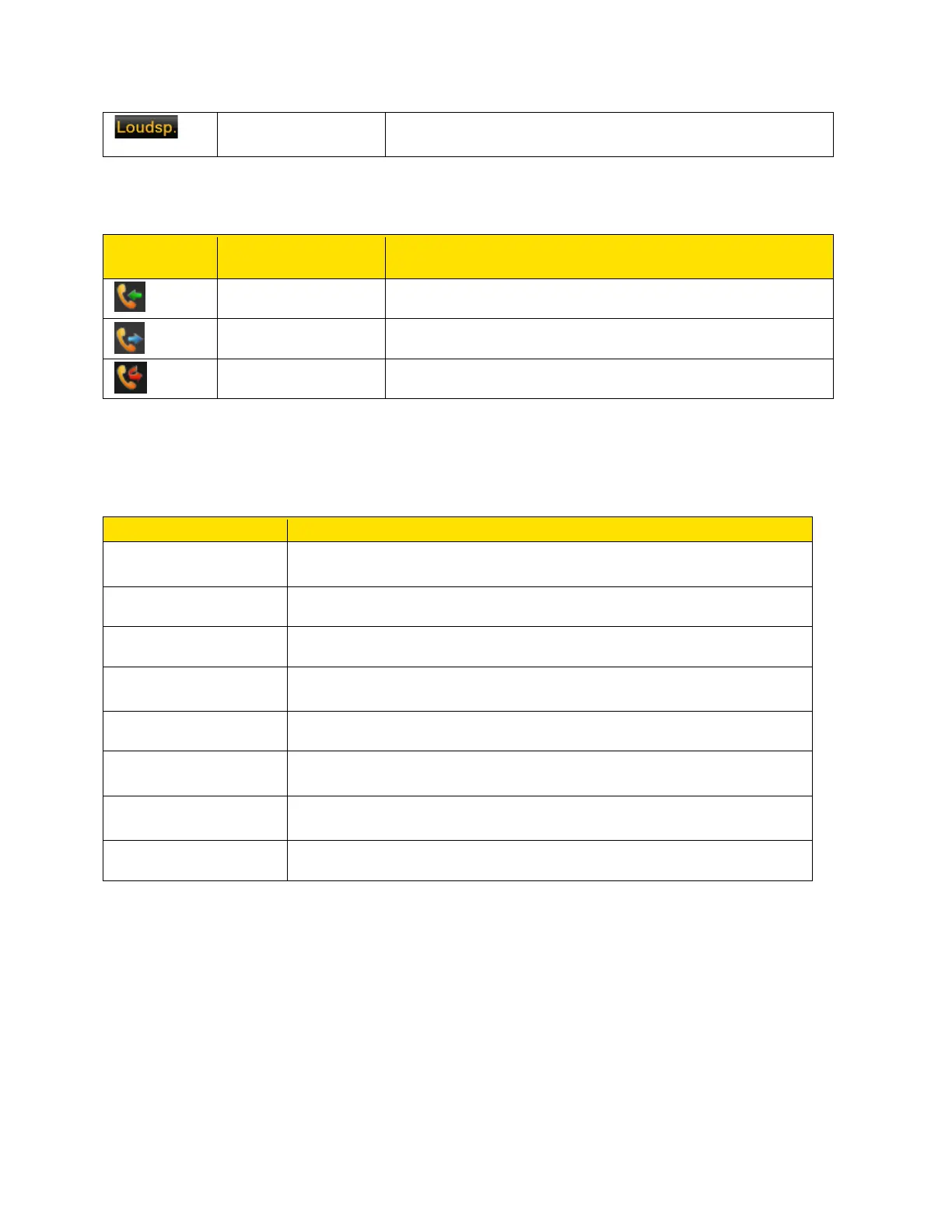
Indicates that you can activate the loudspeaker during a
call.
The following table describes the display indicators in the call log:
Indicates an incoming call.
Indicates an outgoing call.
Shortcut Keys in the Home Screen
You can access the following shortcut keys from the home screen. The functions associated
with the navigation keys are the defaults and may be different if they were changed by the user.
Direct Connect speaker phone settings
Note: The shortcut functions performed using the navigation keys are set as factory defaults.
However they can be changed. For more information refer to Shortcuts.



 To Next Page