Phone Basics 20
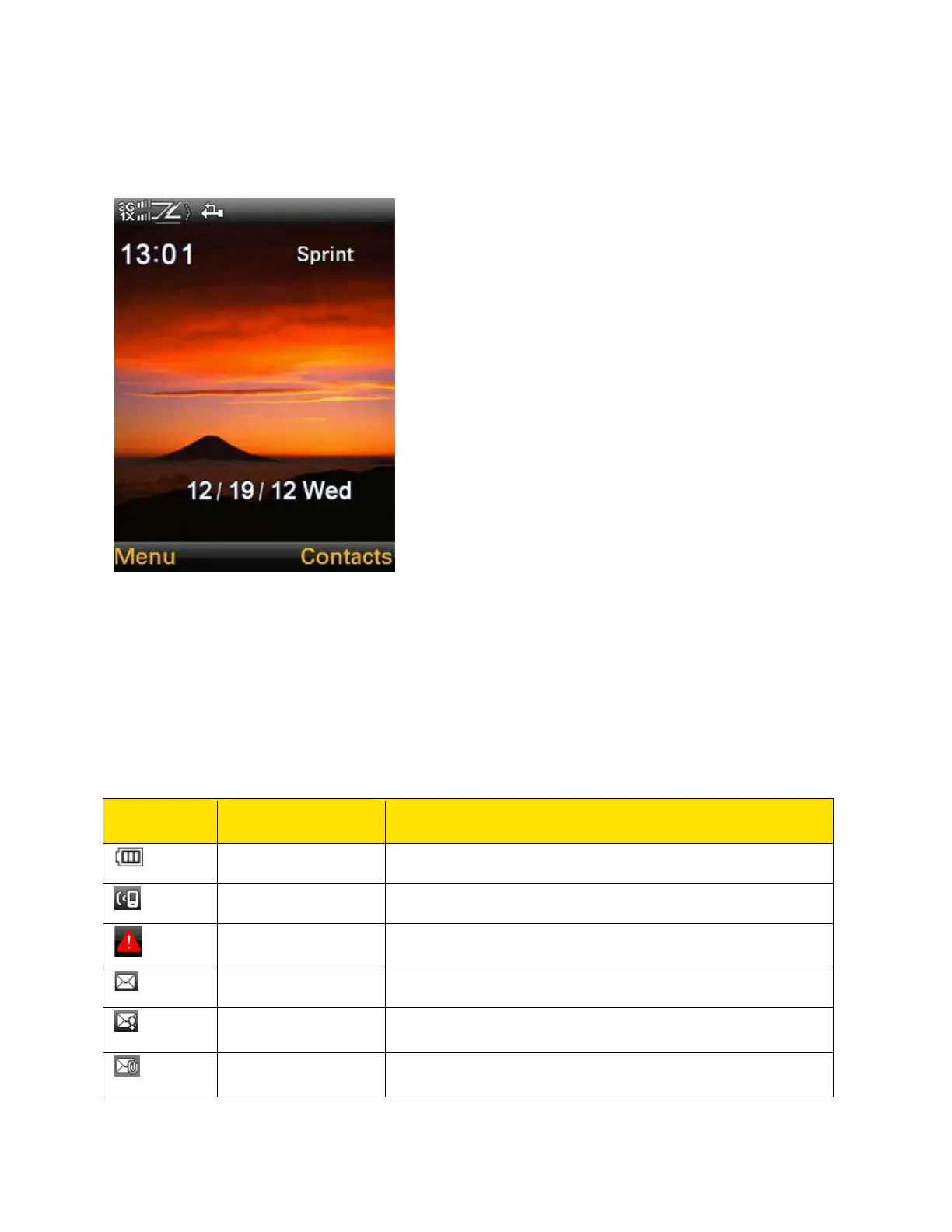
Sonim XP STRIKE Home Screen
The following screen represents the home screen of the Sonim XP STRIKE.
Home Screen Indicators
The home screen indicators are visible in the status bar at the top of the home screen when the
phone is in standby mode. Some icons indicate the status of certain functionalities of the phone,
for example, the battery charge indicator, the network status indicator, the date and time etc.
Some icons are displayed only if the specific service is activated.
The following table describes the display indicators in the status bar of the home screen in the
Sonim XP STRIKE phone.
Three bars indicate maximum battery charge.
Indicates that Vibration is On.
Indicates that there is an emergency alert issued by
Federal US agencies.
Indicates that there are unread messages in the inbox.
Indicates that there are unread urgent messages in the
inbox.
Indicates that there are unread MMS messages in the
inbox.



 To Next Page