1
Chapter 1 – Introduction and Compatibility Information
Introduction
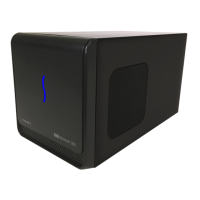
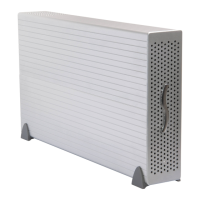
Congratulations on your purchase! The eGFX Breakaway Box
is a Thunderbolt 3 to PCI Express card expansion system for
desktop GPU or other PCIe cards. This user’s guide applies to the
eGFX Breakaway Box (part number GPU-350W-TB3Z) and eGFX
Breakaway Box 550 (part number GPU-550W-TB3), and covers
card installation steps.
Mac® Compatibility (Non-GPU Cards)
• Macs with Thunderbolt 3 ports
• Macs with Thunderbolt or Thunderbolt 2 ports and Apple
Thunderbolt 3 (USB-C) to Thunderbolt 2 Adapter
• macOS
®
10.12.6+
Windows® Compatibility (Non-GPU Cards)
• PCs with a Thunderbolt 3 port
• 64-bit editions of Windows 10, Version 1703 OS Build 15063
(Creator’s Update) or newer
GPU Card Compatibility
Visit the eGFX Breakaway Box product page on the Sonnet web
site at sonnettech.com/product/egfx-breakaway-box.html?tab=1
for a list of card families supported. For a table of graphics
cards’ power requirements, visit sonnettech.com/product/egfx-
breakaway-box.html?tab=2. For OS-specific card compatibility
information, visit the at eGFX Breakaway Box support page
at www.sonnettech.com/support/kb/kb.php?cat=524, click
the Manual tab, and then locate the OS-specific installation
instructions.
7
1
4
"
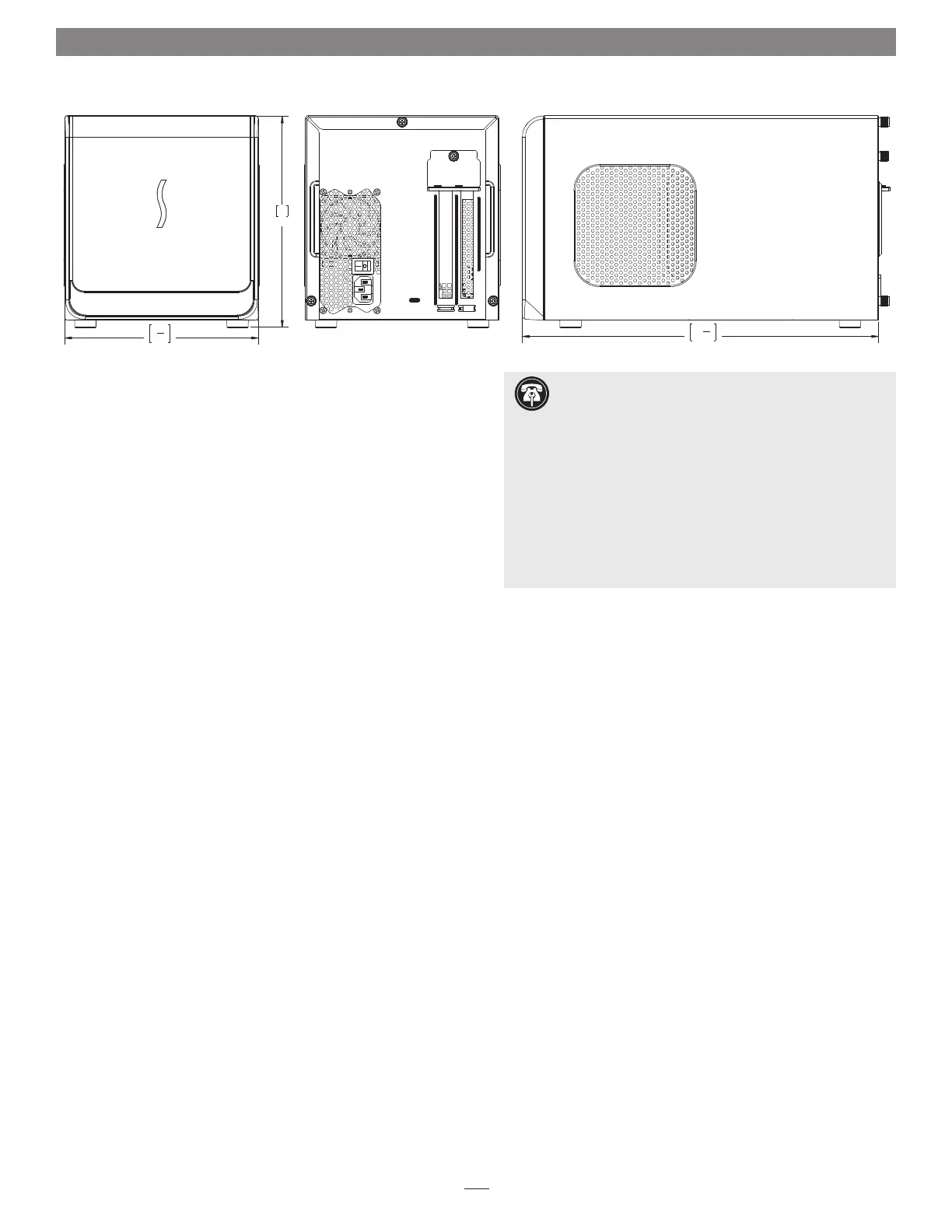
185
8"
202
13
3
8
"
340
Support Note: This document was up to date at the
time of printing. However, changes to the hardware or
software may have occurred since then. Please check the Sonnet
website for the latest documentation.
1. Go to www.sonnettech.com/support/kb/kb.php
2. Click the Thunderbolt Product link.
3. Click the eGFX Breakaway Box link, and then click the
Documentation link.
4. Click the eGFX Breakaway Box User’s Guide [English] link
and then check the Document Version information. If the
version listed on the last page of this manual is later than this
document (revision B), click the Download Now button for
the latest version.




 To Next Page