2
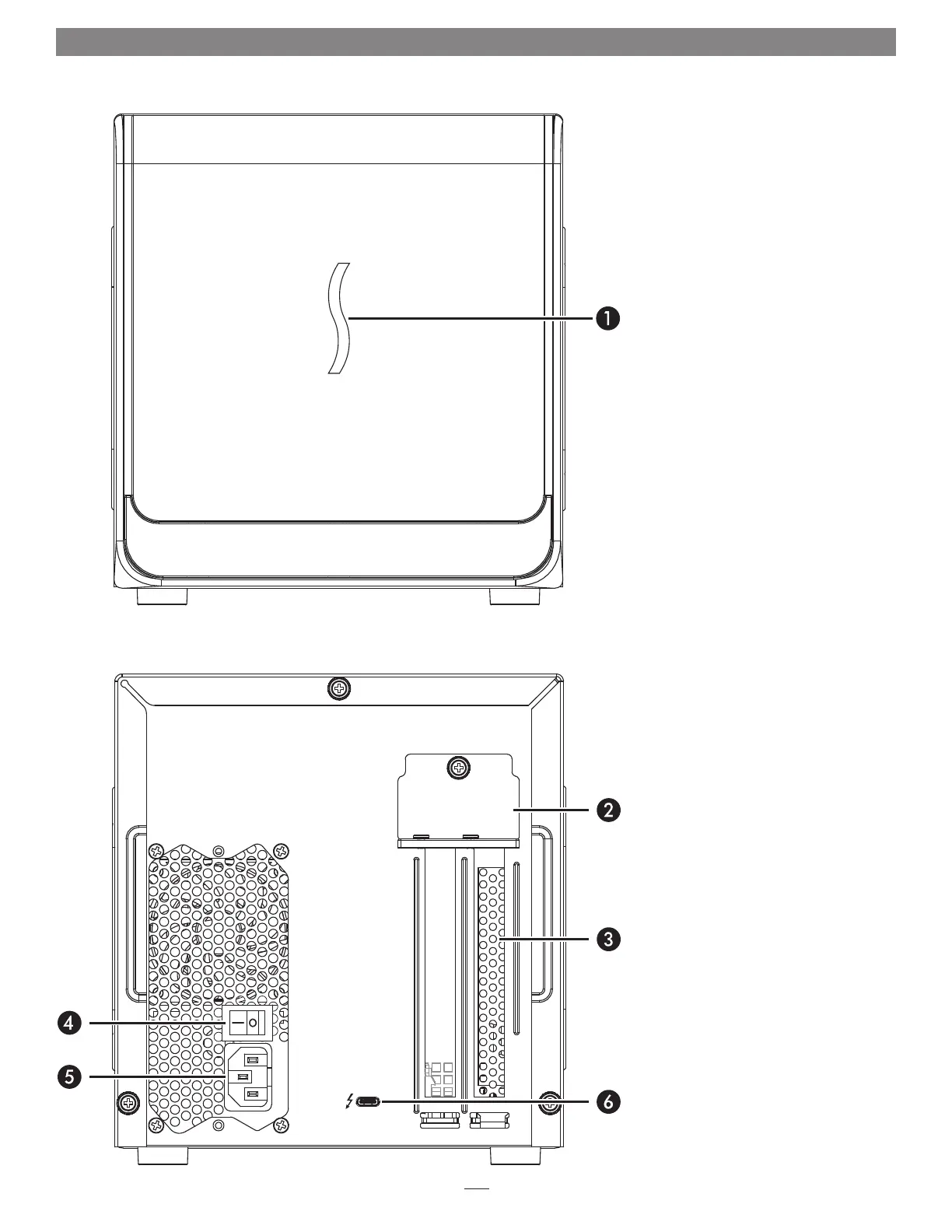
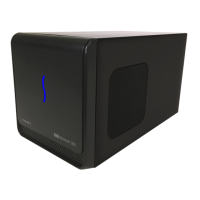
Exterior
1 – Power Indicator LED
This indicator lights when the
eGFX Breakaway Box is connected
to a power source and the power
switch turned on, the Thunderbolt
cable between the chassis and your
computer is plugged in securely, and
the computer powered on.
2 – PCIe Card Bracket Locking Plate
This secures the installed card and
port access cover in place.
3 – Port Access Cover
This covers the open space when you
install a single-width card.
4 – Power Switch
Flip the switch to the On position to
enable operation.
5 – Power Input Socket
Connect the included AC power cable
here.
6 – Thunderbolt 3 Port
Connect the included Thunderbolt 3
(40Gbps) cable between this port and
your computer’s Thunderbolt 3 port.
Chapter 2 – eGFX Breakaway Box Description




 To Next Page