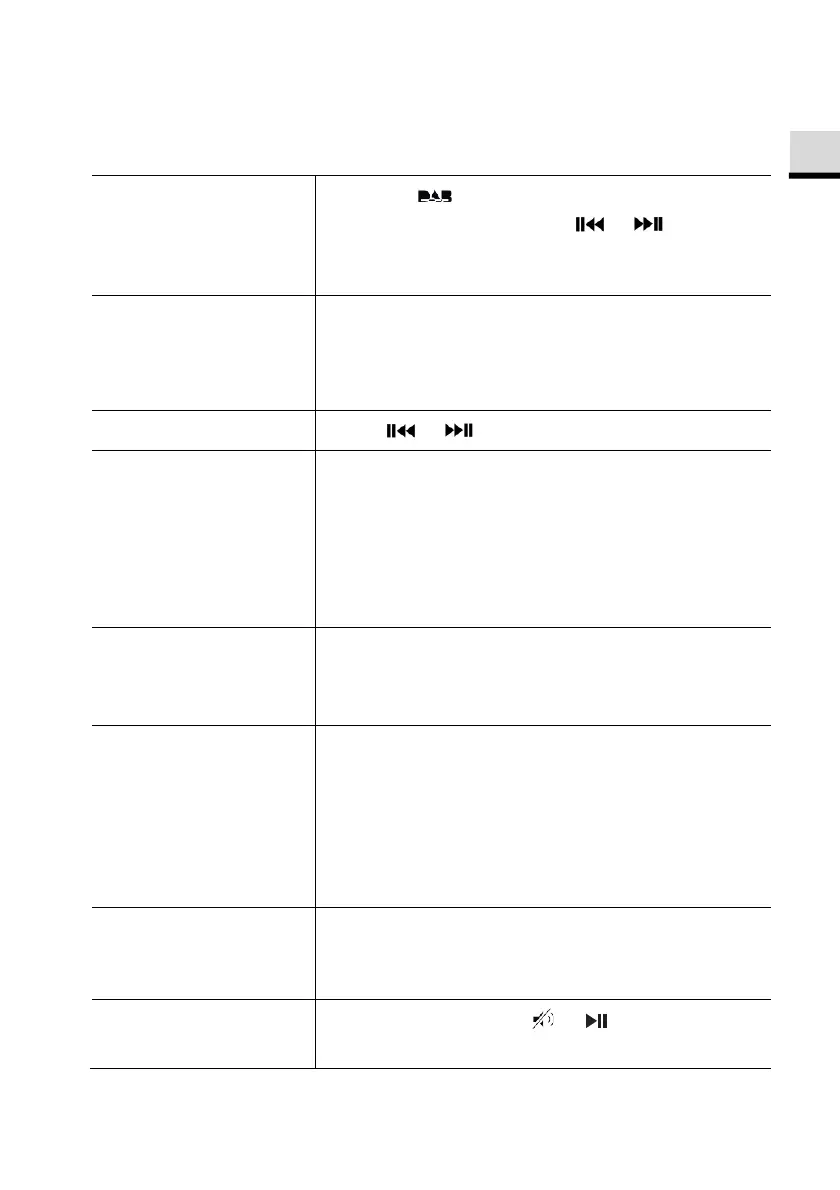
8. DAB Radio mode
8.1 Operation
To access the DAB
Radio mode,
Press the key on remote control.
Or press
once, then or (or rotate
the navigation knob) select the DAB Radio
mode and then press
to confirm.
To search for DAB
radio stations,
The first time you select the DAB mode, or if the
station list is empty, ELITE will automatically
perform a full scan and store all available
stations in the station list.
To tune to a station,
Press or .
To store a radio
station in the preset
list,
A maximum of 30 radio stations can be stored.
1.
Press and hold the
key on ELITE until
the preset list is shown.
2.
Press
+
or
▬
(or rotate the navigation knob)
to select a preset station number and then
press
to confirm.
To directly store a
radio station in the
preset list (1–9),
Tune to a station and then press and hold a
preset station button (
) to directly store it in
the preset list.
To recall a radio
station in the preset
list,
1.
Press
.
2.
Press
+
or
▬
(or rotate the navigation knob)
to select a radio station in the preset list and
then press
to confirm.
Or, press a preset station button (
) to
access a stored preset station (1–30).
To browse the radio
station information*
(if available),
Press
repeatedly.
To mute or restore
the sound output,
Press
,
or button.
© sonoro audio GmbH 2019 75



 To Next Page