14. My Music mode
Improper handling of the ELITE may cause damage.
Do not connect the ELITE directly to the USB port of a computer or other
external storage media such as external hard disk.
My Music mode can play back audio files stored on a connected USB
memory stick or from a media server (UPnP) sharing the same Wi-Fi
network with the ELITE.
14.1 Operation
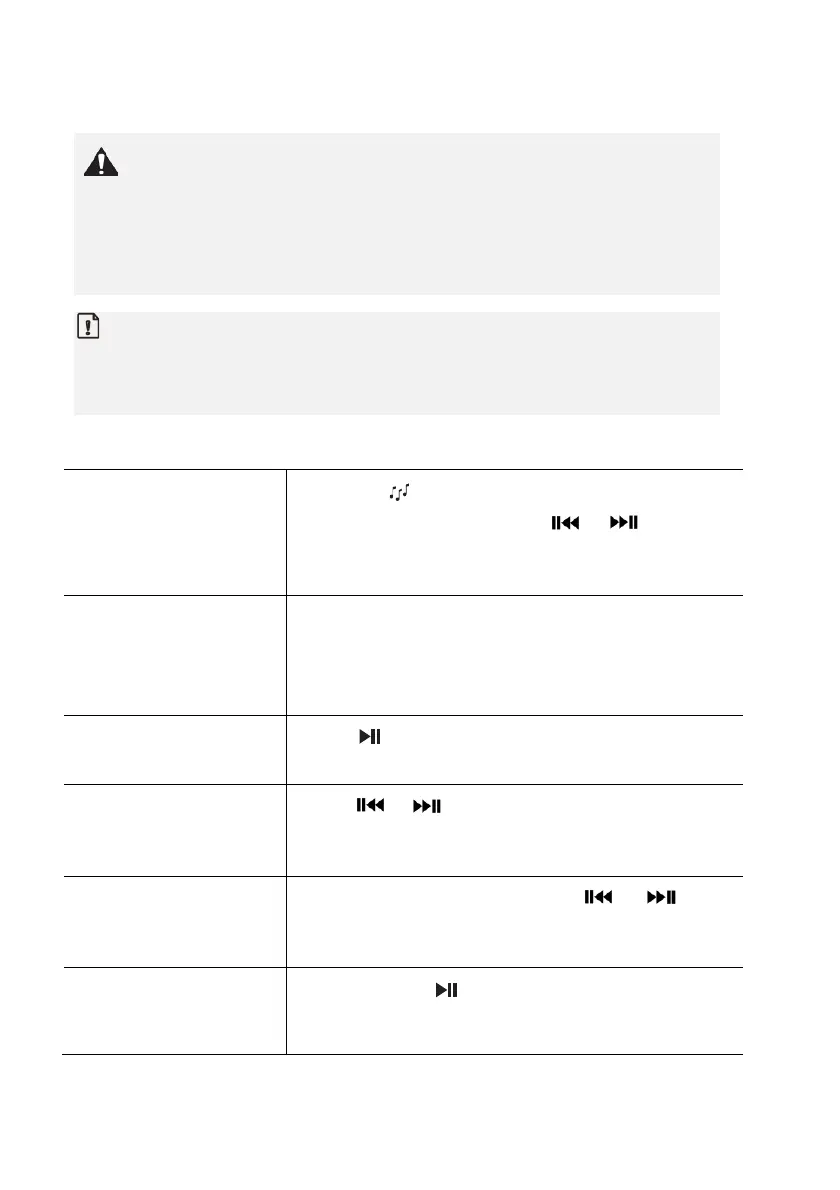
To access the My
Music mode,
Press the key on the remote control.
Or, press
once, then or (or rotate
the navigation knob) to select the My Music mode
and then press
to confirm.
To play back audio
files stored on a USB
memory stick,
Connect the USB memory stick to the USB
port of ELITE. Then press
and select
[USB Playback] from the setup menu (see
chapter “Setup menu” on next page).
To pause or resume
playback,
Press .
To skip to the
previous or next
audio file,
Press or .
To quickly search
backward or forward
within an audio file,
During playback, press and hold or .
To add an audio file
to “My Playlist”,
Press and hold or the navigation knob
when the file is highlighted in the selection
88 © sonoro audio GmbH 2019



 To Next Page