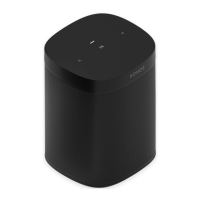
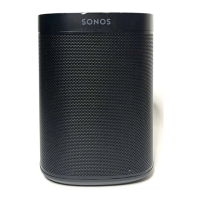
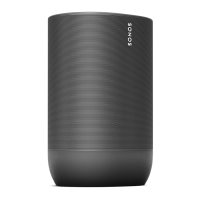
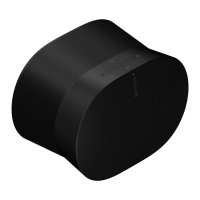
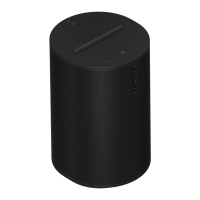
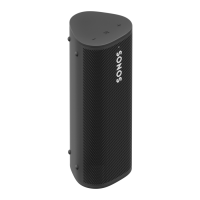
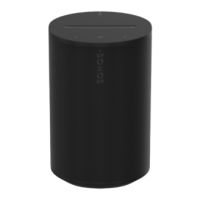
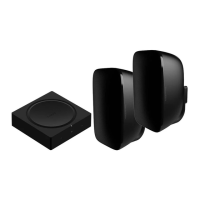
1 Take everything out of the box and
place the base in the packaging slot
to stabilize it for the next few steps.
Unplug your Sonos speaker, and
thread the speaker end of the power
cord through the opening in the base.
2 Insert the stem snugly into the base,
using the alignment pins to position
the power cord channel either in the
front or back. Use the 2 black screws
and a Phillips-head screwdriver to
attach the base.
3 Route the speaker’s power cord
through the speaker platform.


 To Next Page