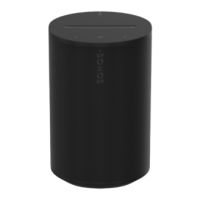
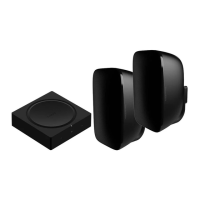
1 Place the wall mount bracket against
the wall using a level to make sure it
is vertical and mark the screw holes.
2 If you're using wall anchors, use a
5/16" drill bit to drill 2 pilot holes and
then insert the wall anchors.
3 Use a Phillips-head screwdriver or
power drill to screw in the wall mount
bracket.
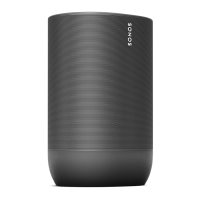
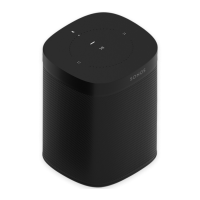
4 Feed the speaker's power cord
through the Mount opening and plug it
into the speaker. Place it down onto
the Mount.


 To Next Page