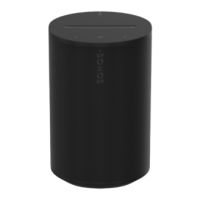
Feature Description
NETWORKING*
Wireless connectivity
Using Sonos S2: Connects to WiFi
network with any 802.11a/b/g/n 2.4 or
5GHz broadcast-capable router.
Using Sonos S1: Connects to WiFi
network with any 802.11b/g 2.4GHz
broadcast-capable router. 802.11n only
network configurations are not supported
—you can either change the router
settings to 802.11b/g/n or connect a
Sonos product to your router.
Ethernet port
One 10/100Mbps Ethernet port. You can
plug a Sonos product directly into your
router if your WiFi is unstable.
GENERAL
Power supply
Auto-switching 100 - 240V ~ 50-60Hz 1A
AC universal input
Dimensions (H x W x D)
6.36 x 4.69 x 4.69in. (161.45 x 119.7 X
119.7mm)
Weight 4.08lb (1.85 kg)
Operating temperature 32 to 104 F (0 to 40 C)
° ° °



 To Next Page