22
How to connect to the PartnerMic
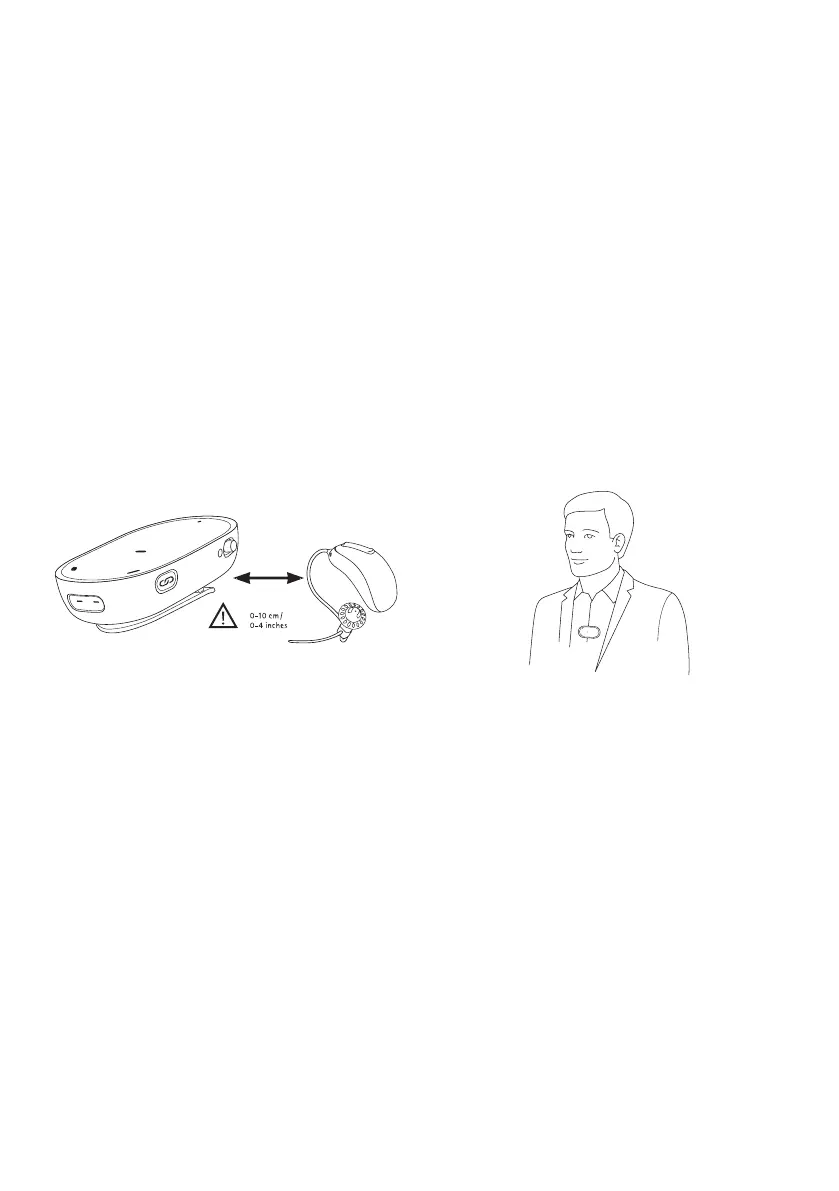
Pairing the PartnerMic to the hearing aids
PartnerMic needs to be paired to the hearing
aids before use. If the PartnerMic has not
been paired to a hearing aid before it will
automatically enter pairing mode at start up
and blink blue.
•
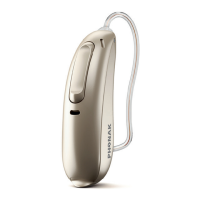
Make sure your hearing aid(s) are turned on
•
Start the PartnerMic and hold it within 10
cm (4 inches) of the hearing aid
•
Pairing is complete when the indicator
light turns green and a conrmation beep
will play in your hearing aid(s).
Positioning of the PartnerMic
•
For optimal performance, place the
PartnerMic 20 cm (8”) below the wearer’s
mouth
•
A distance of 50 cm (20”) should not be
exceeded
•
Avoid tilting the PartnerMic beyond 45°
•
If the clip cannot be fastened to clothing
use the supplied lanyard
•
To prevent scraping sounds, do not cover
the PartnerMic with clothing during use
How to wear
PartnerMic is worn by the speaking partner,
attached with the clip or hanging in a lanyard.
With a clip:
•
Gently press to open the clip
•
Ensure the PartnerMic is clipped securely
to clothing
With a lanyard:
•
Attach the PartnerMic to the lanyard with
the clip
•
Put the lanyard around the neck
•
Adjust the length by pulling the lose ends
Adjusting the volume on the PartnerMic
The volume of the PartnerMic can be adjusted
with the multi-function button on your hearing
aid or from the Remote Control functions within
the app, available for both Android and iOS.
How to adjust the balance between the
PartnerMic and the surrounding environment
•
Push the upper part of the hearing
aid button to increase the PartnerMic
streamed signal and decrease the volume
of sounds in your environment
•
Push the lower part of the hearing aid
button to decrease the PartnerMic
streamed signal and increase the volume
of sounds in your environment




 To Next Page