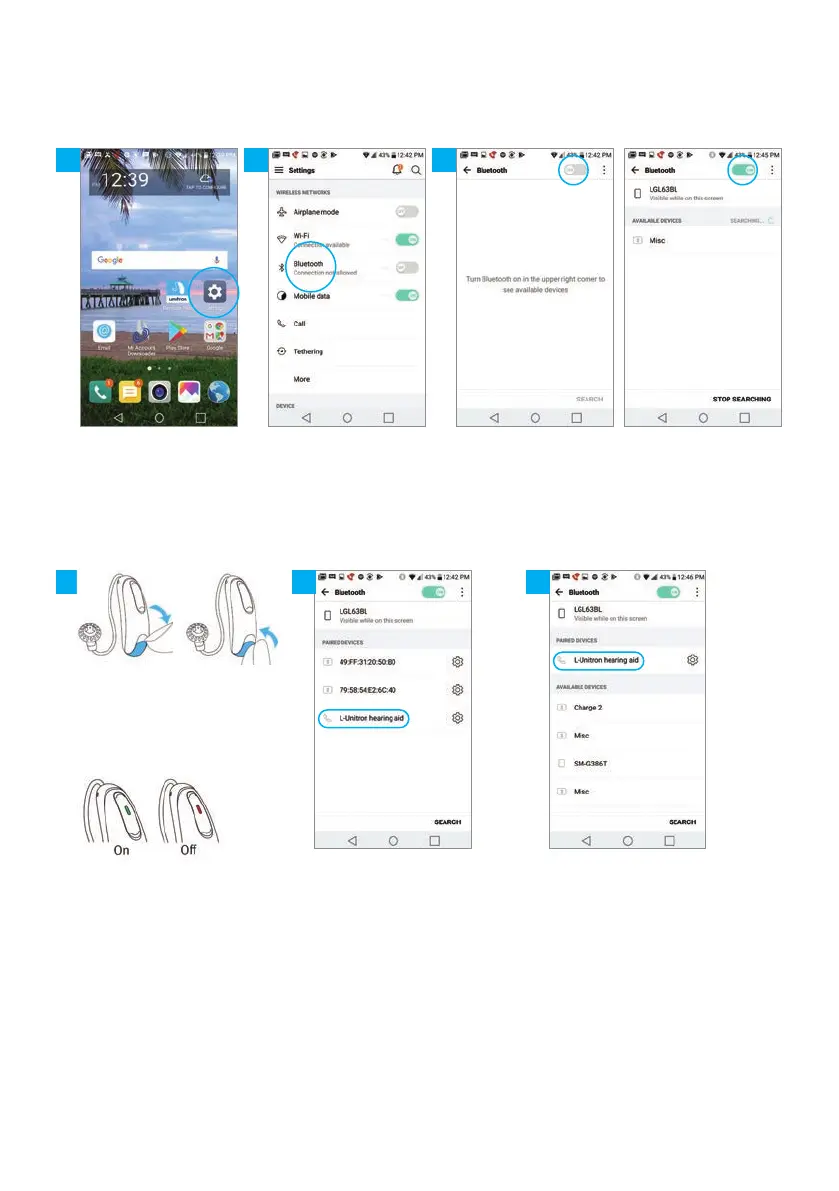
6
Open the “Settings”
menu from the Android
home screen
Click on the
Bluetooth
®
icon
Move the slider to activate
the Bluetooth
®
function
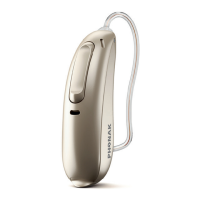
For lithium-ion rechargeable
hearing instruments: Press
and hold the lower part of the
button on each instrument
for 3 seconds until a red light
flashes, then press and hold
again until a green light flashes
to enable Bluetooth
®
search
The name of the hearing
instrument will appear,
click on it to select
The phone is now
connected to your client’s
hearing instruments
How to connect to an Android smartphone
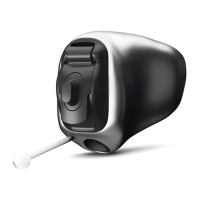
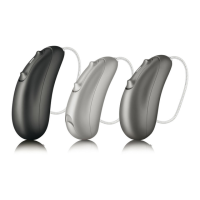
For hearing aids that use
disposable batteries: Open
and close the battery door to
enable Bluetooth
®
search




 To Next Page