5
Smartphones and traditional mobile phones with a compatible Bluetooth Hands-Free Prole
•
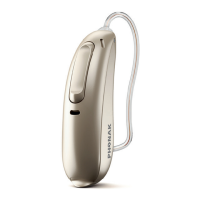
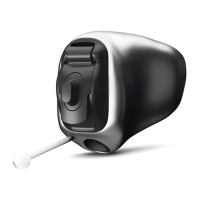
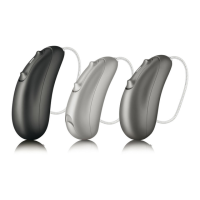
For hearing aids that use disposable batteries: Open and close the hearing
instrument battery doors to place the hearing instruments in pairing mode. For
litium-ion rechargeable hearing instruments: Press and hold the lower part
of the button until a red light flashes (3 seconds), then press and hold again
until a green light flashes to start the pairing mode. For all models, the hearing
instruments remain in pairing mode for 3 minutes.
•
First, pair only the selected phone ear hearing instrument to the phone for
hands-free phone calls and listening
•
Second, pair both hearing instruments to the Remote Plus app




 To Next Page