Trouble Shooting Guide, SP/Mechanical
4_00021-1/FEA 209 544/76 B
Sony Ericsson Mobile Communications AB
3(18)
2 Appearance Problems
• Make a general visual inspection for corrosion or oxidation from liquid damage according
to point 1.2
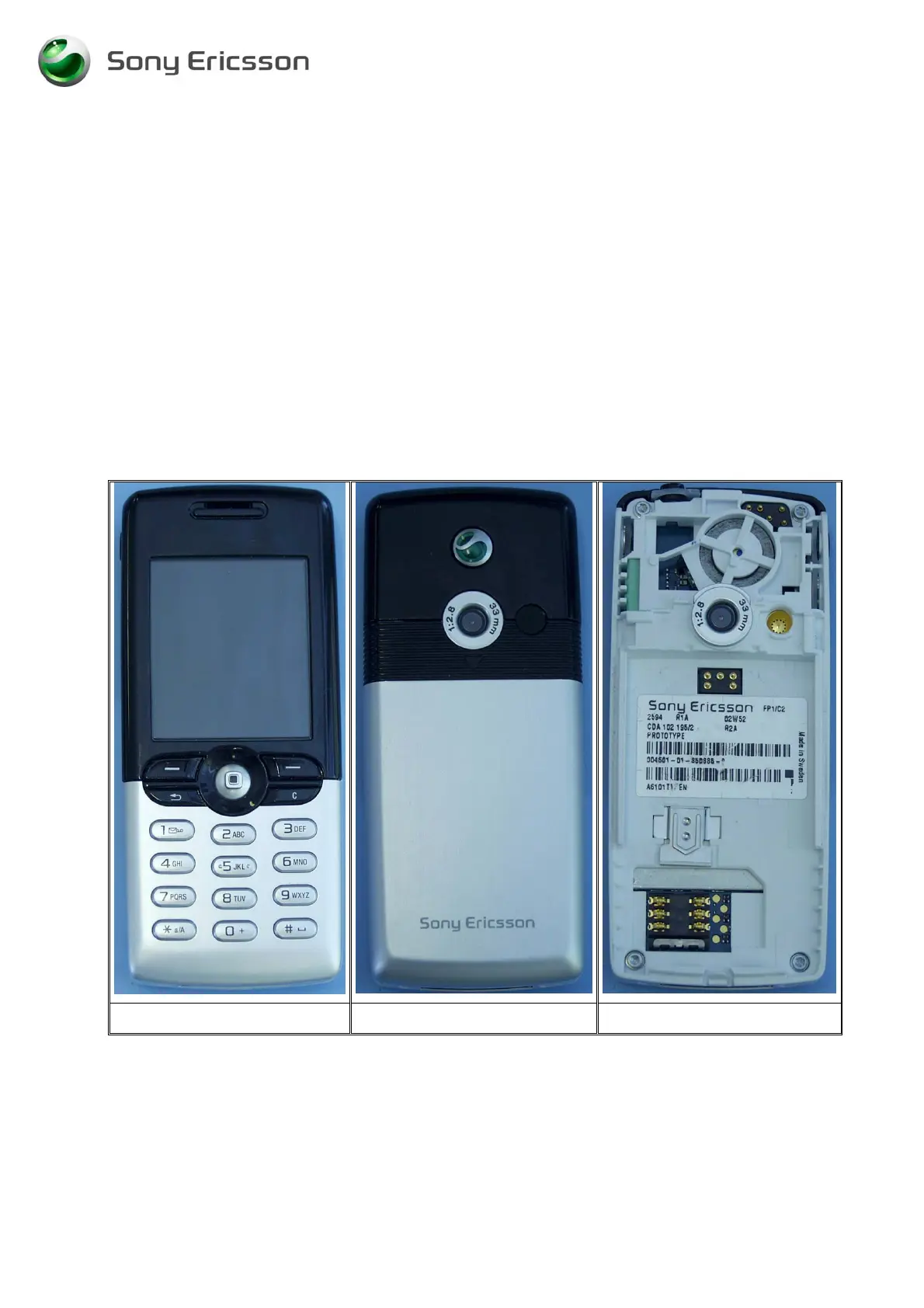
• Check the front cover (Fig. 2.1), the battery cover (Fig. 2.2), the frame, (Fig.23) and the
antenna cover assy (Fig. 2.2), for damage and if the parts fit correctly. Replace faulty
components if necessary.
• Check the keyboard (Fig. 2.4) for damage, scratches, and if no key number or symbol
occurs more than once. Replace it if necessary.
• Check the camera ring (Fig. 2.5) for scratches and if it fits correctly. Replace it if
necessary.
If the failure still occurs, handle the unit according to the local company or the GSP directives.
Fig. 2.1 Fig. 2.2 Fig. 2.3












 To Next Page