23
2-1 Control Panel
Chapter 2 Locations and Functions of Parts
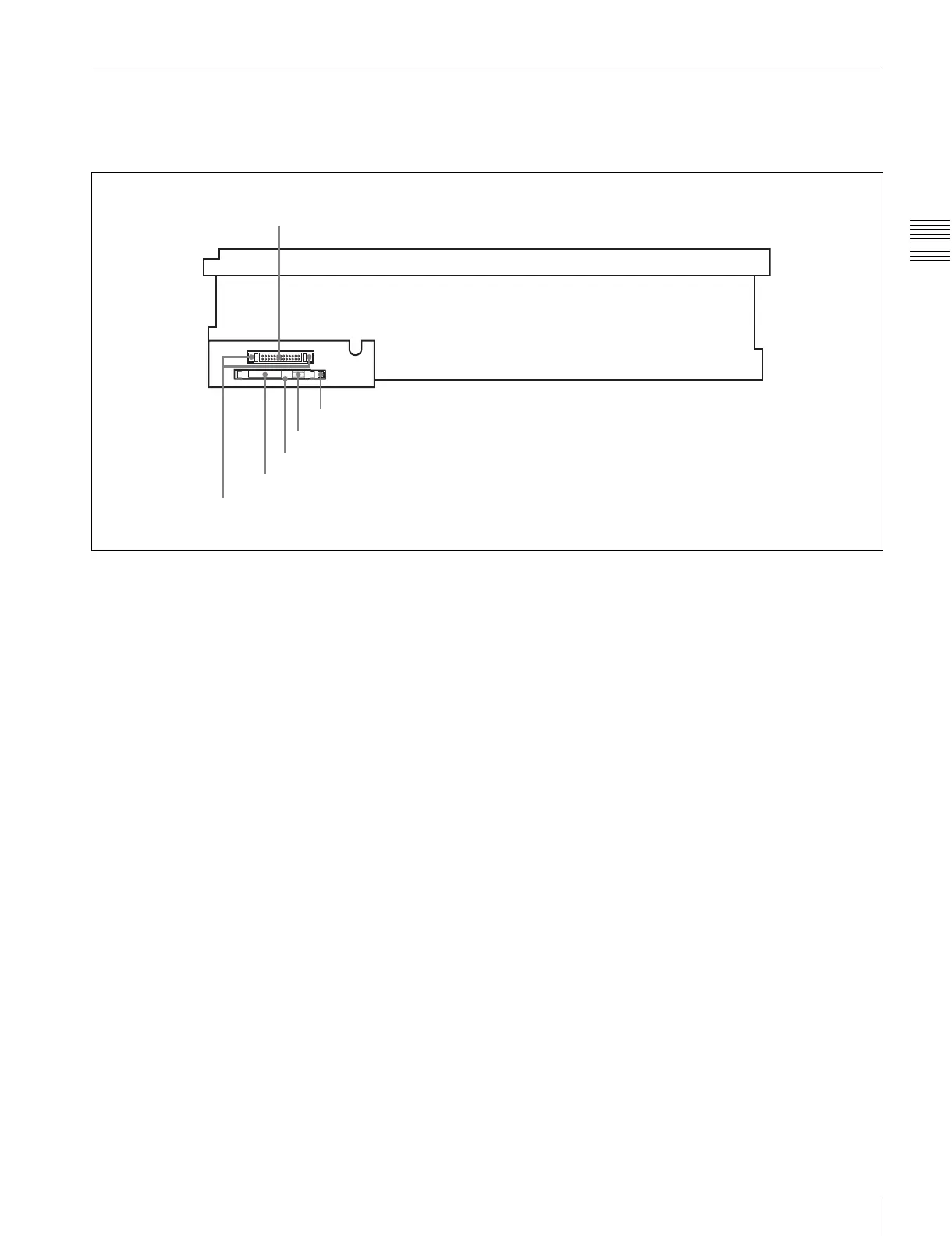
2-1-3 System Set-Up Panel
Lift the lower control panel up to its horizontal position to
access the system set-up panel.
For details of opening and closing the control panel, refer
to the Maintenance Manual.
For details, see “3-4 Using a Memory Stick” on page 35.
CONTROL PANEL
CONTROL PANEL connector
Card slot eject button
Memory stick eject button
Memory stick receptacle
PCM CIA card slot
Harness restraint


 To Next Page