3-27 (E)
BKM-21D
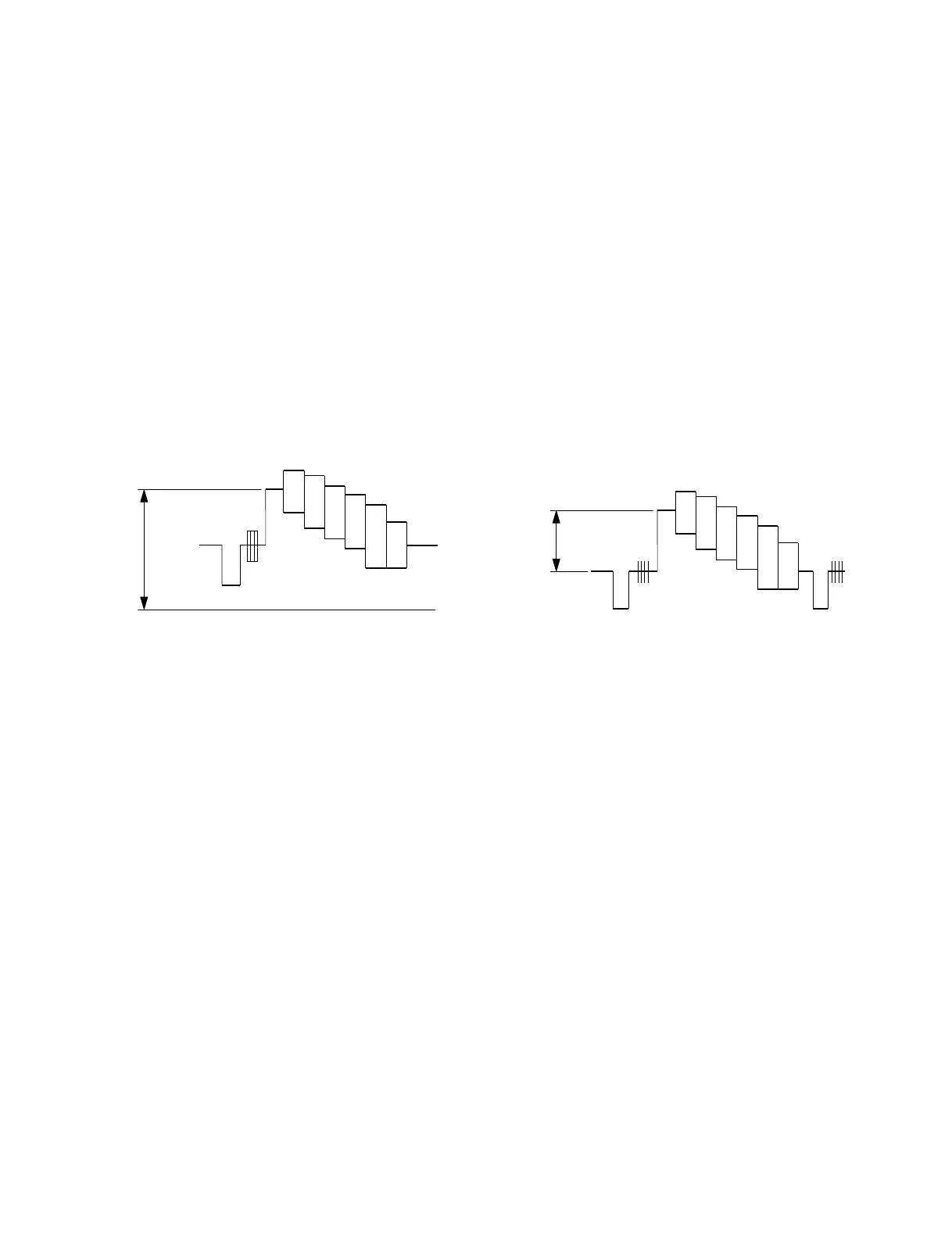
A
Specification A = 3.45 V ± 5 mV
0 V
A
Specification A = 700 ± 10 mV
3-5-9. D2 PAL A/D Input Level Adjustment
(BD Board)
n
The following adjustment menu is below the BKM-21D
menu of the MAINTENANCE menu.
A D LEVEL
1. Input the D2 PAL 100% color bar signal into the SDI-
1 input terminal.
(Full-field 0% set up)
2. Set 09 CH.
3. Connect the oscilloscope to TP310 of the BD board.
(DC500 mV/div)
4. Adjust the A D LEVEL data so that the A/D input
level “A” satisfies the specifications.
Fig. 5-12.
3-5-10. D2 PAL VIDEO OUT Level Adjustment
(BD Board)
m
. For this adjustment, install the NTSC input adapter
BKM-25P to the vacant slot.
. The following adjustment menu is below the BKM-21D
menu of the MAINTENANCE menu.
V LEVEL (VIDEO LEVEL)
1. Input the D2 PAL 100% color bar signal into the SDI-
1 input terminal.
(Full-field 0% set up)
2. Connect the oscilloscope to TP101 of the BD board.
3. Adjust the V LEVEL (VIDEO LEVEL) data so that
the V I/O signal level A of TP101 satisfies the specifi-
cation.
Fig. 5-13.


 To Next Page