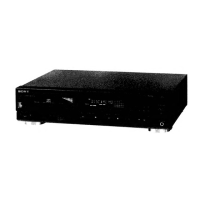
Before playing a disc, turrl on the arr/plifier and set the input selector to the CD player
position.
1
T4"........'......:....
Press the POWER button.
The display window is illuminated.
Press the i OPEN/CLOSE button.
The disc tray comes out.
=Z_OPEN/CLOSE
Place a disc on the tray.
Close the tray.
The total playing time of the disc and total number of
selections are displayed. The music calendar is also
illuminated.
_'OPEN/CLOSE
If,./
!1234 5 _1
I
Music Calender
To take out the disc
Press the -_ OPEN/CLOSE button.
To play an 8cm (3-inch) CD
Place it on the inner circle of the tray. If the disc is provided
with an adaptor, first remove it. Do not put a normal CD
(12cm/5-inch) on an 8 cm CD.
WhatIsthisindication?
l /-
I')O d, St.
Thisindicationappearswhenthereisnodisconthedisctray.
7



 To Next Page
 Loading...