Playback
19
US
You can play track(s)/file(s) repeatedly. Repeat
Play mode can be used with other playback
modes.
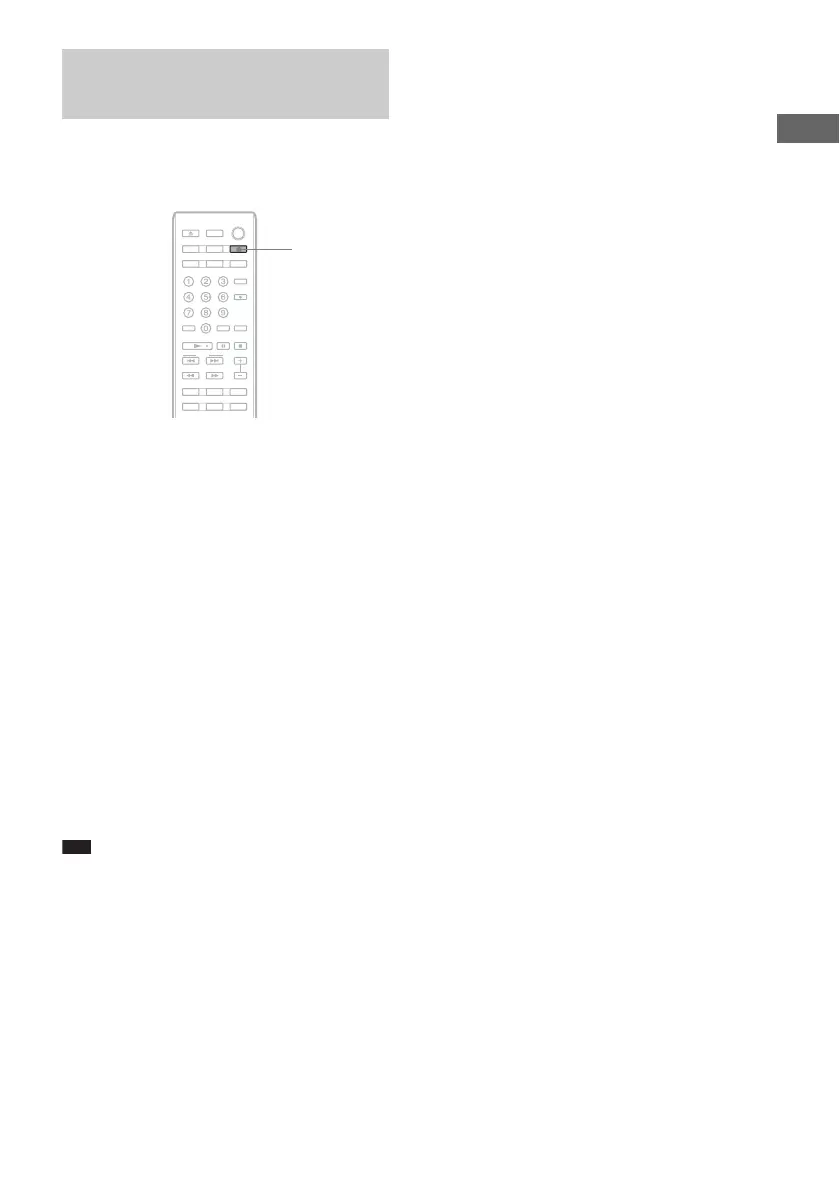
While playing or in stop mode, press
REPEAT repeatedly until “REPEAT” or
“REPEAT 1” appears in the display.
REPEAT (Repeat All): Plays all tracks/files on
the disc(s)/USB device repeatedly.
REPEAT 1: Plays a single track/file repeatedly.
When “REPEAT” is selected, Repeat Play mode
changes according to the selected playback
mode. For example, while in ALL DISCS
SHUFFLE mode (page 17), the player plays all
tracks/files on all discs repeatedly in random
order. While in Program Play mode (page 17),
the player plays the programmed tracks/files
repeatedly.
To cancel repeat play
Press REPEAT repeatedly to turn off
“REPEAT” or “REPEAT 1.”
Note
• If you disconnect the power cord, Repeat Play is
canceled.
Playing tracks/files
repeatedly
REPEAT



 To Next Page