Getting Started
5
US
Parts and Controls
For more information, refer to the pages indicated in parentheses.
A ?/1 (on/standby)
Turns on the player, or sets it to standby mode.
B DISC 1-5
Selects the disc directly.
C (remote sensor)
D Display
E USB MENU
Enters the option menu for a USB device.
F ENTER
Enters settings.
G CD/USB (pages 10, 12, 16)
Selects CD or USB mode.
H EX-CHANGE (page 11)
Replaces discs while playing a disc.
I DISC SKIP
Selects the disc.
J Playback operation buttons
m/M (fast reverse/fast forward)
./> (previous/next)
N (play)
X (pause)
x (stop)
Z (open/close)
K REC USB (page 13)
Transfers music from a disc to a USB device.
L USB port (page 12)
Used for connecting a USB device.
M Disc tray (page 10)
Getting Started
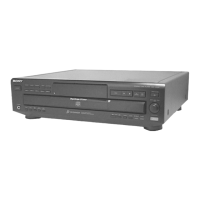
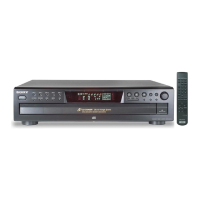
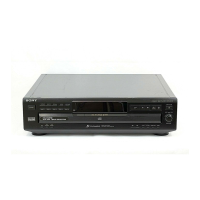
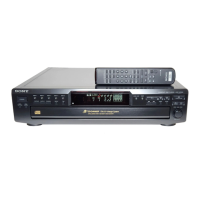
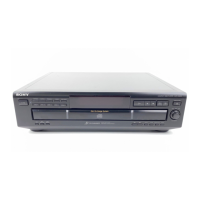
Front panel
DISC 1 DISC 2 DISC 3 DISC 4 DISC 5
USB MENU ENTER CD/USB EX-CHANGE DISC SKIP
REC USB
USB



 To Next Page