– 24 –
SECTION 4
TEST MODE
4-1. PRECAUTIONS FOR USE OF TEST MODE
1. As loading related operations will be performed regardless of
the test mode operations being performed, be sure to check
that the disc is stopped before setting and removing it. Even if
the § EJECT button is pressed while the disc is rotating dur-
ing continuous playback, continuous recording, etc., the disc
will not stop rotating. Therefore, it will be ejected while ro-
tating. Be sure to press the § EJECT button after pressing
the EDIT/NO button and the rotation of disc is stopped.
2. The erasing-protection tab is not detected in the test mode.
Therefore, operating in the recording laser emission mode and
pressing the r REC button, the recorded contents will be
erased regardless of the position of the tab. When using a disc
that is not to be erased in the test mode, be careful not to enter
the continuous recording mode and traverse adjustment mode.
4-1-1. Recording Laser Emission Mode and Operating
Button
1. Continuous recording mode (CREC MODE)
2. Traverse adjustment mode (EFBAL ADJUST)
3. Laser power adjustment mode (LDPWR ADJUST)
4. Laser power check mode (LDPWR CHECK)
5. When pressing the r REC button.
4-2. SETTING THE TEST MODE
With the power supply to the set in OFF (standby) status, while
pressing the CD SYNC button simultaneously, insert the power
cord of TA-EX77 (pre/main amplifier system) or power feed jig
(PFJ-1) into the power outlet, then release the button.
4-3. RELEASING THE TEST MODE
Press the REPEAT button, and the power is turned OFF (standby
status), and the set becomes ready for normal operation.
4-4. BASIC OPERATIONS OF THE TEST MODE
All operations are performed using the SELECTOR knob,
EDIT/NO button, and ENTER/YES button. The functions of
these buttons and knob are as follows.
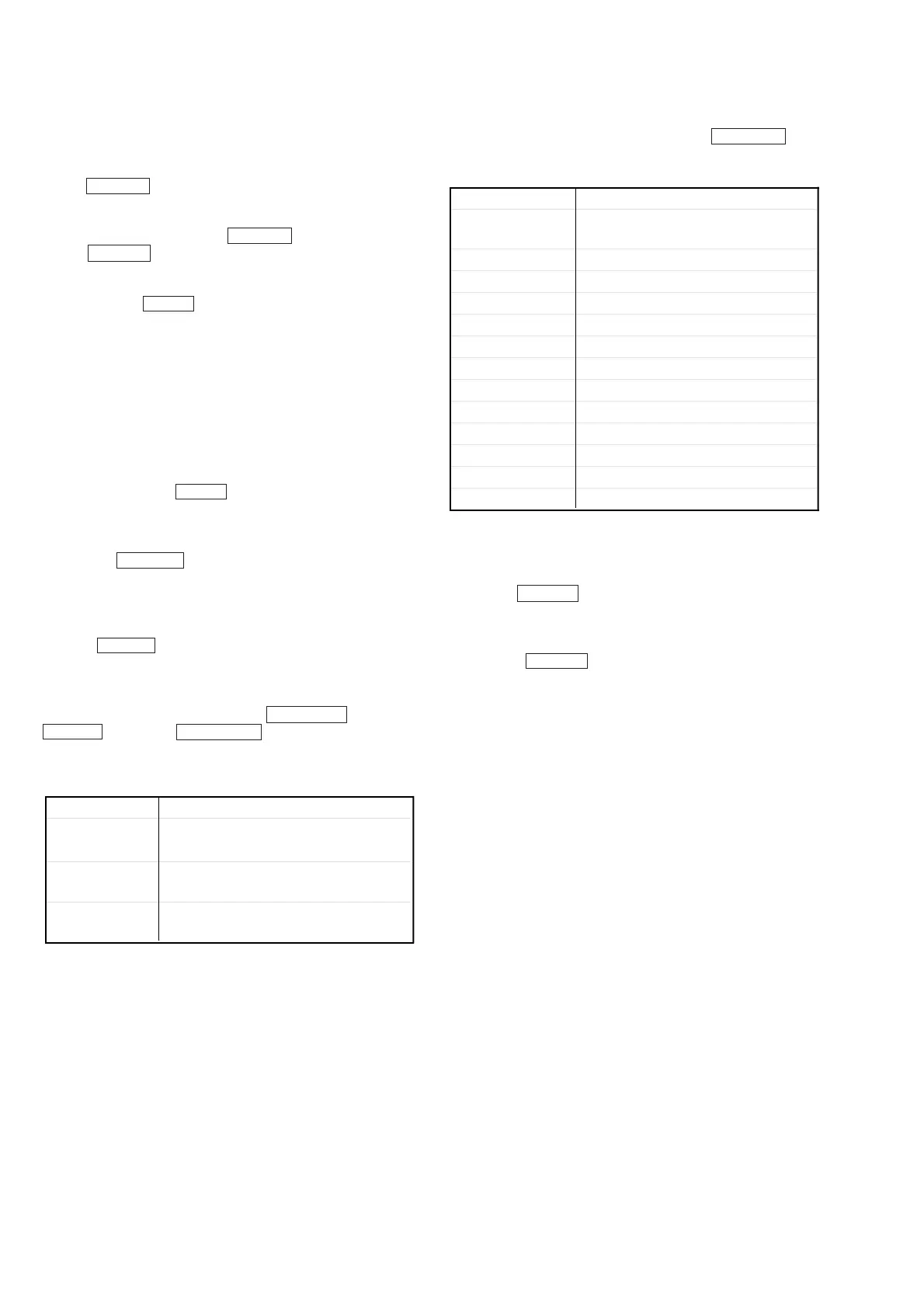
Table 4-1.
4-5. SELECTING THE TEST MODE
Thirteen test modes are selected by turning the SELECTOR knob.
Table 4-2.
• For detailed description of each adjustment mode, refer to the
“5. ELECTRICAL ADJUSTMENTS”.
• If a different adjustment mode has been selected by mistake,
press the EDIT/NO button to exit from it.
*1: The EEP MODE, Scurve CHECK, MANUAL CMD and
SVDATA READ are not used in servicing. If set accidentally,
press the EDIT/NO button immediately to exit it.
Display Contents
TEMP ADJUST
Temperature compensation offset
adjustment
LDPWR ADJUST Laser power adjustment
LDPWR CHECK Laser power check
EFBAL ADJUST Traverse (E-F balance) adjustment
FBIAS ADJUST Focus bias adjustment
FBIAS CHECK Focus bias check
CPLAY MODE Continuous playback mode
CREC MODE Continuous recording mode
DETRK CHECK Detrack check
Scurve CHECK S curve check (*1)
EEP MODE Non-volatile memory mode (*1)
MANUAL CMD Manual command transfer mode (*1)
SVDATA READ Data reading out mode (*1)
Button & Knob Function
ENTER/YES
button
Proceeds onto the next step.
Finalizes input.
EDIT/NO button
Returns to previous step.
Stops operations
Changes parameters and modes.
SELECTOR
knob



 To Next Page