37
CDX-5V661/5V661A/5V661D/5V661S
7. DIAG Mode (See “Display List” on page 18 and 19)
This mode performs the following operation:
• Error history display
• 50 history data can be checked, starting from the latest data.
• Error history clear
Push key (execution key) assignment
How to enter the Check mode
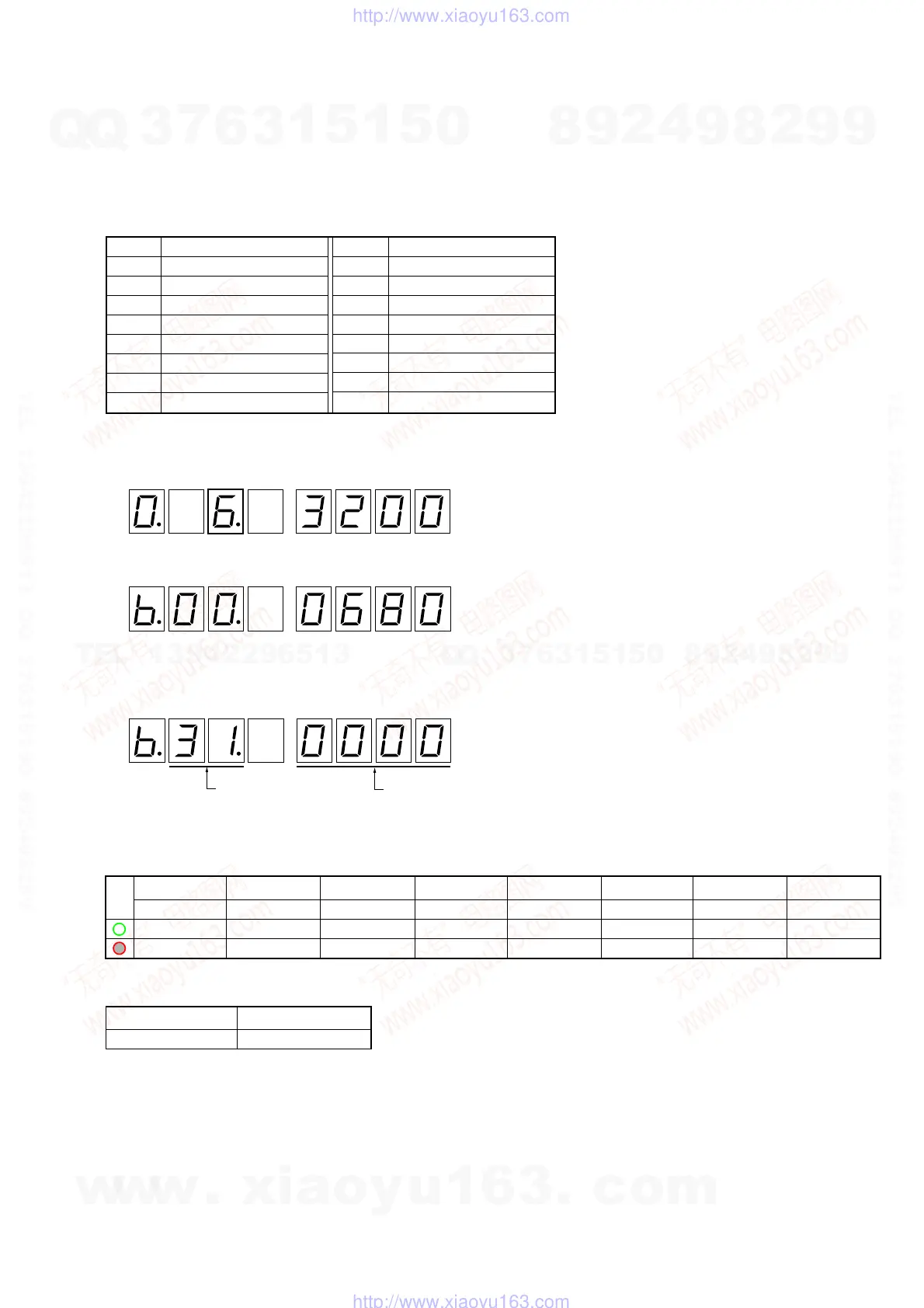
1. Rotating the rotary switch, adjust the display (7 Seg LED) to “6” (third place).
After 2 or 3 seconds, the display will change to the execution mode.
2. The display mode number can be changed by pressing the 1 and 2 keys.
(See “Example” in step 2 in the Normal mode on page 22 and 23)
3. Press 5 and 6 keys to read the error history and error code.
4. Press qh key to clear the error history.
MODE LED display
Default display mode
Key Description
1 DISP –
2 DISP +
3 –
4 –
5 ERROR HISTORY –
6 ERROR HISTORY +
7 –
8 –
Key Description
9 –
0 –
qa –
qs –
qd –
qf –
qg –
qh ERROR HISTORY CLEAR
: Software version displa
: DTMS displa
Error history display
Error code display (See “Error codes list” on page 19.)
L1 L2 L3 L4 L5 L6 L7 L8
––– ––– ––
––– ––– ––
––– ––– ––
Display mode No. Description
B DIAG
w
w
w
.
x
i
a
o
y
u
1
6
3
.
c
o
m
Q
Q
3
7
6
3
1
5
1
5
0
9
9
2
8
9
4
2
9
8
T
E
L
1
3
9
4
2
2
9
6
5
1
3
9
9
2
8
9
4
2
9
8
0
5
1
5
1
3
6
7
3
Q
Q
TEL 13942296513 QQ 376315150 892498299
TEL 13942296513 QQ 376315150 892498299
http://www.xiaoyu163.com
http://www.xiaoyu163.com






 To Next Page