20
Adjusting the equalizer curve
1 Press (MENU).
2 Press M or m repeatedly until “EQ Tune”
appears.
3 Press (ENTER).
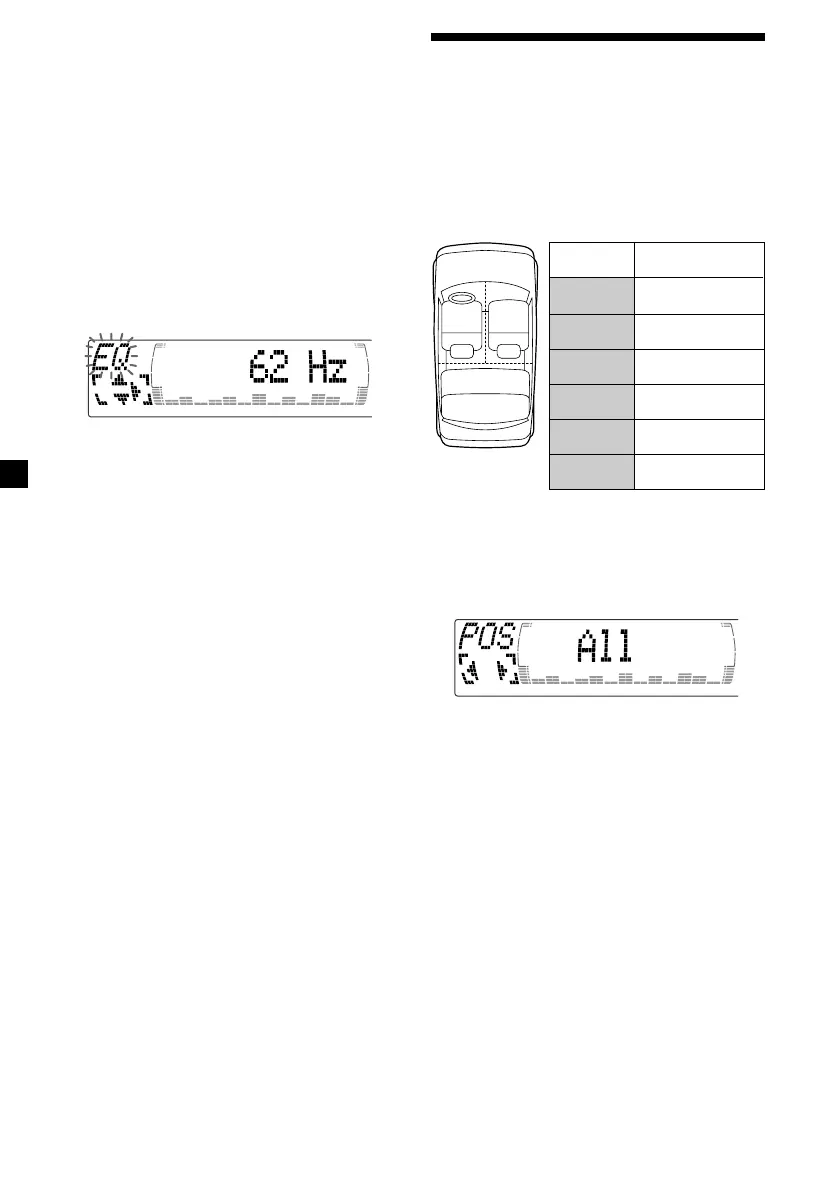
4 Press < or , to select the desired
equalizer curve.
Rock y Vocal y Groove y Techno y
Custom y off
5 Press (ENTER).
6 Press < or , to select the desired
frequency.
62 Hz y 157 Hz y 396 Hz y 1.0 kHz y
2.5 kHz y 6.3 kHz y 16.0 kHz
7 Press M or m to select the desired level.
The volume is adjustable by 1 dB steps
from –12 dB to +12 dB.
To restore the factory-set equalizer curve,
press (ENTER) for two seconds.
8 Press (MENU) twice.
When the effect setting is complete, the
normal playback mode appears.
Centre of sound
field
Normal setting
(1 + 2 + 3)
Front part
(1 + 2)
Right front (2)
Left front (1)
Rear part (3)
Cancel
21
3
Display
window
POS
All
POS
Front
POS
Front-R
POS
Front-L
POS
Rear
POS
off
Selecting the listening
position
You can set a delayed time for the sound to
reach the listeners from the speakers.
In this way, the unit can simulate a natural
sound field so that you feel as if you are in the
center of the sound field no matter where you
sit in the car.
1 Press (SOURCE) to select a source (tuner,
CD, or MD).
2 Press (SOUND) momentarily until “POS”
appears.
3 Press < or , to select the desired
listening position.
All y Front y Front-R y Front-L y Rear y
off
The listening positions appear in the order
shown above.
To cancel the POS mode, select “off.”
After three seconds, the display returns to
the normal playback mode.



 To Next Page