31
Displaying the
information stored on
discs
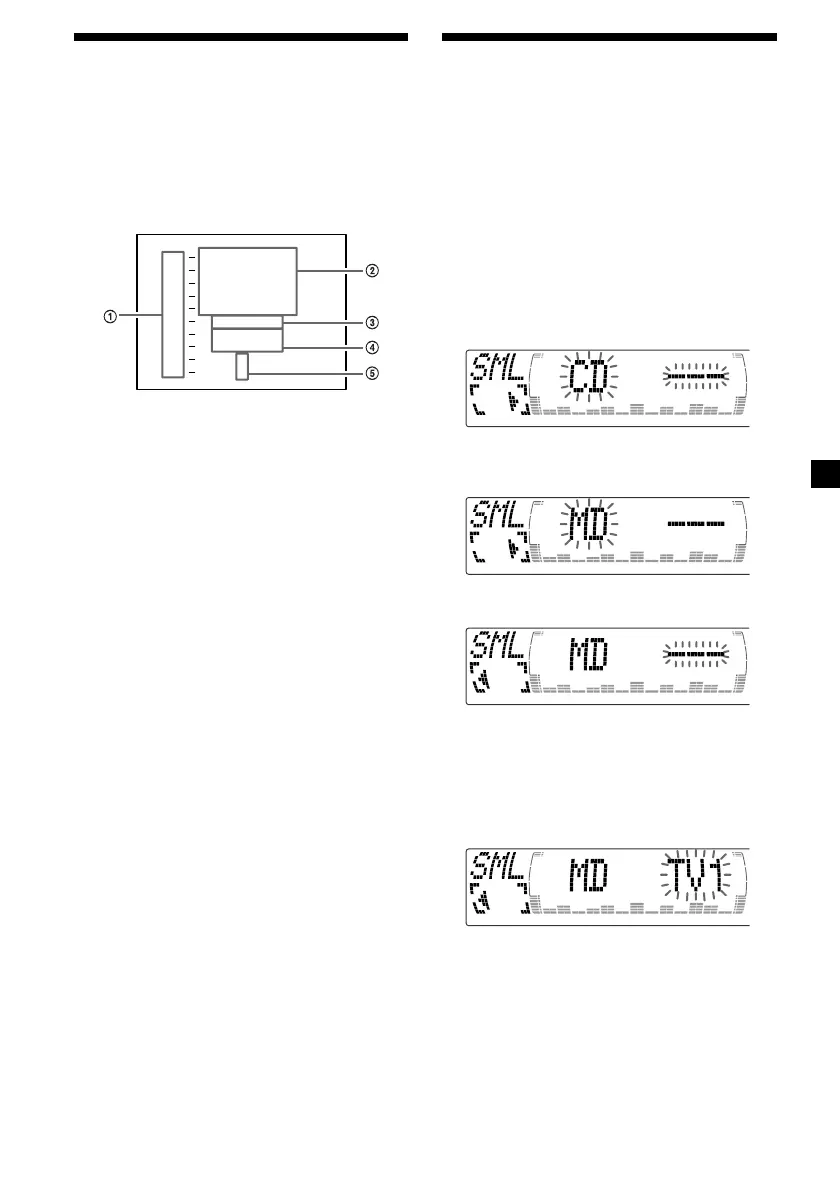
Press (LIST) during CD/MD playback.
Example: When CD unit 1 is selected.
1 Disc numbers
2 Titles stored as custom files
3 No disc is loaded*
1
4 No stored titles*
2
5 TOC information has not been identified yet*
3
*
1
A blank space is displayed next to a disc
number represents empty slots in the disc
magazine.
*
2
If a title is not registered in the custom file,
“******” is displayed.
*
3
If the disc information has not yet been read
by the unit, “?” is displayed.
Notes
• It may take some time before all indications
appear in the display.
• The TV channel does not appear during list
display.
• The contents of the preset memory cannot be
listed when the unit is in the simultaneous play
mode.
Turning off the display
Press (LIST) again.
CD 1
1
2
3
4
5
6
7
9
1 0
8
S
M
B
L
C
C
O
A
I
H
H
Z
C
S
O
U
A
H
Z
P
B
R
T
I
E
T
N
RT
*
?
?
*****
******
Watching the TV or video
while listening to a CD or
MD
— Simultaneous Play
The simultaneous play function does not work
while you are listening to the radio.
1 Press (MENU), then press M or m
repeatedly until “Simul Sel” appears.
2 Press (ENTER).
3 Press <.
4 Press (SOURCE) repeatedly to select CD
or MD.
5 Press ,.
6 Press (SOURCE) repeatedly until “TV”
appears, then press (MODE) repeatedly
to select a TV or video.
Each time you press (MODE), the item
changes as follows:
TV 1 t TV 2 t V 1 (VIDEO 1)
7 Press (ENTER).
Simultaneous Play starts.
If you are already watching the TV or video



 To Next Page