28
Adjusting the sound and
frequency of the equalizer
preamplifier
(CDX-M650 only)
This unit can also control an optional equalizer
preamplifier.
This lets you add some effects to the sound
field of the currently selected source.
For details, refer to the instructions manual
supplied with the equalizer preamplifier.
Selecting the spectrum
analyzer
The sound signal level is displayed on a
spectrum analyzer. You can select a display
pattern from 1 to 6, or the automatic display
mode.
1 Press (SOURCE) to select a source (tuner,
CD, or MD).
2 Press (MENU).
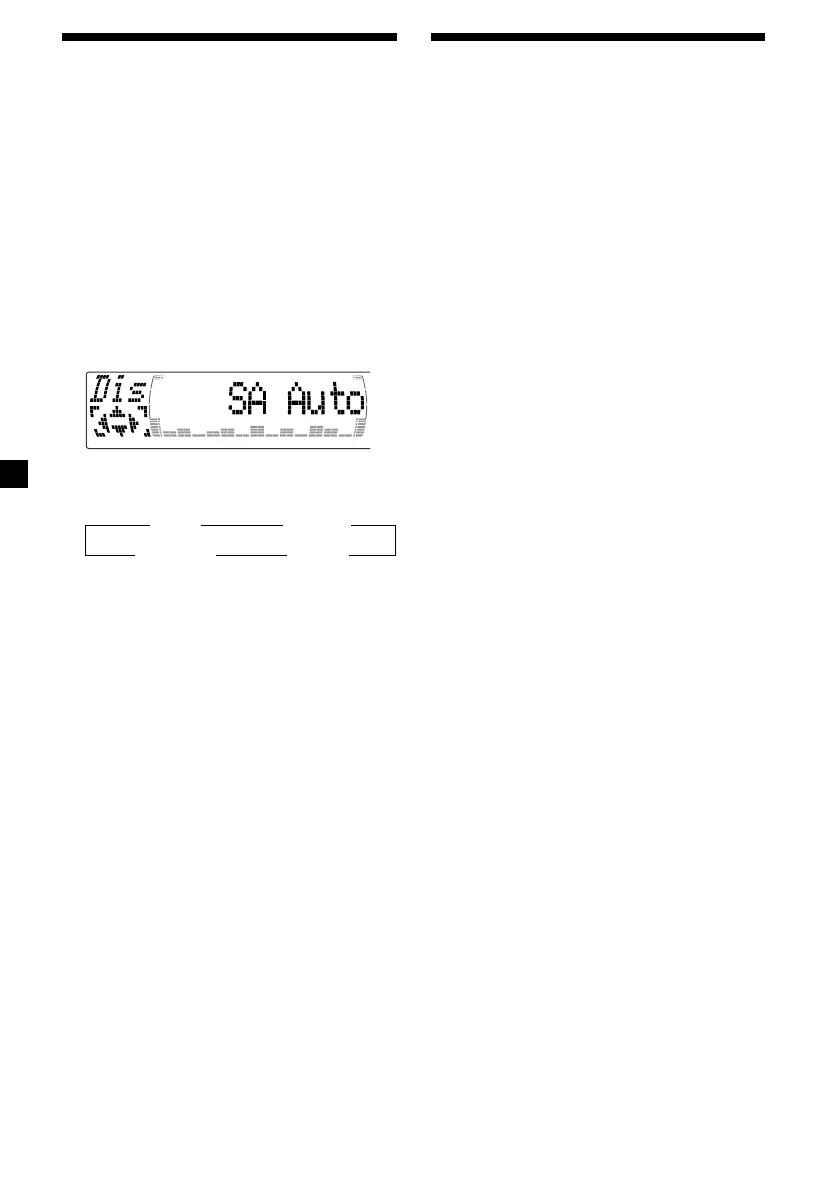
3 Press M or m repeatedly until “SA”
appears.
4 Press < or , repeatedly to select the
desired setting.
B SA 1 bB … SA 6 b
B SA Auto* bB SA off b
* All of these display patterns appear one by
one automatically.
5 Press (ENTER).



 To Next Page