Making Calls
From Standby Mode:
1 Dial the complete number of the party you want to call (including
the area code even when dialling locally).
2 Keep the Jog Dial pressed (or press
) to call the number
displayed.
Or, press the Jog Dial to save the number to the Phonebook.
From the Phonebook:
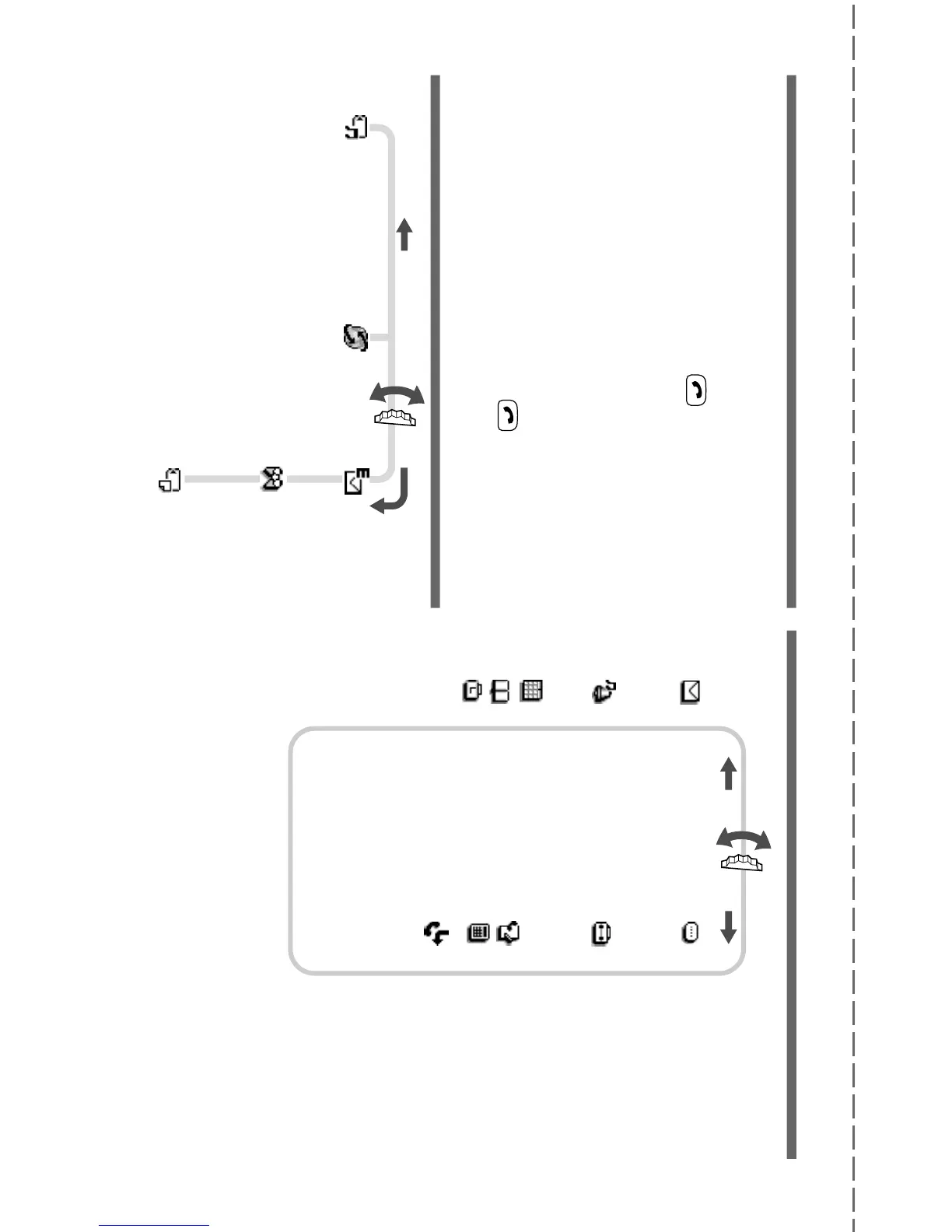
1 Rotate the Jog Dial in standby mode to open the Phonebook.
2 Rotate the Jog Dial to select the name you would like to call.
3 Press the Jog Dial to display the phone number and select “Call”
and then press the Jog Dial to make the call.
Or, keep the Jog Dial pressed (or press
) to make the call.
Extras Menu Overview



 To Next Page