37
GB
Using the
Phonebook
Editing the Phonebook
The Jog Dial and the Phonebook make it easy to keep all your contacts up
to date and easy to access with flexibility in customizing. Following the
steps below you can call, edit, delete or copy entries. You can edit entries
in the Phonebook by Number, Name, Group or by Custom.
Editing a name
You can edit, delete and copy names.
1 Rotate the Jog Dial in standby mode to open the Phonebook.
2 Rotate the Jog Dial to select the name you want to edit.
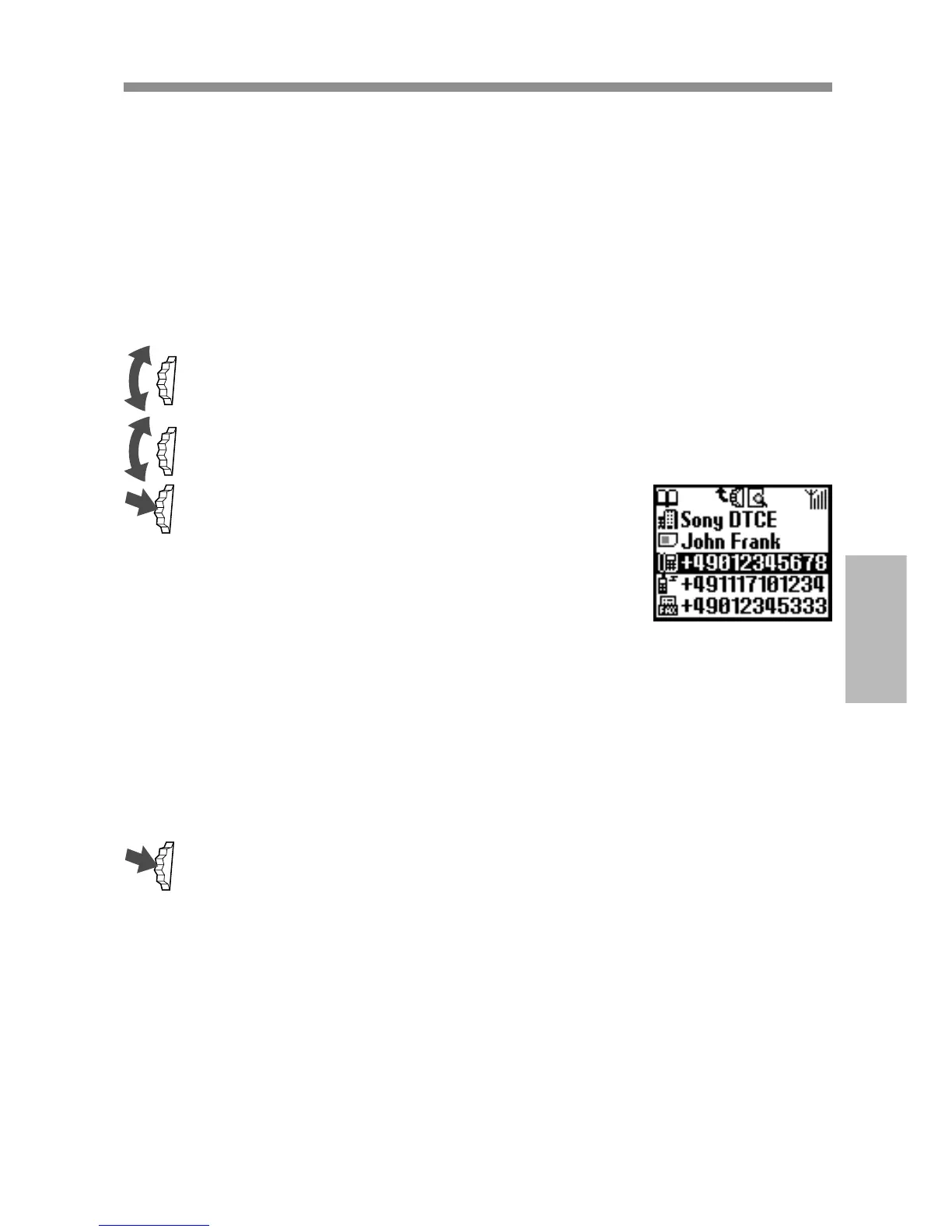
3 Press the Jog Dial.
The saved numbers of that person are
displayed.
Selecting the name allows you to do the
following.
• Select Edit to change the name.
• Select Delete entry to delete the selected name, its saved
number (or numbers in case more than one number is saved
under that name) and custom.
• Select Copy entry to copy the selected name, its saved
number (or numbers in case more than one number is saved
under that name) and custom.
4 Press the Jog Dial to confirm your selection.



 To Next Page