23
GB
Basic
Operation
During a Call
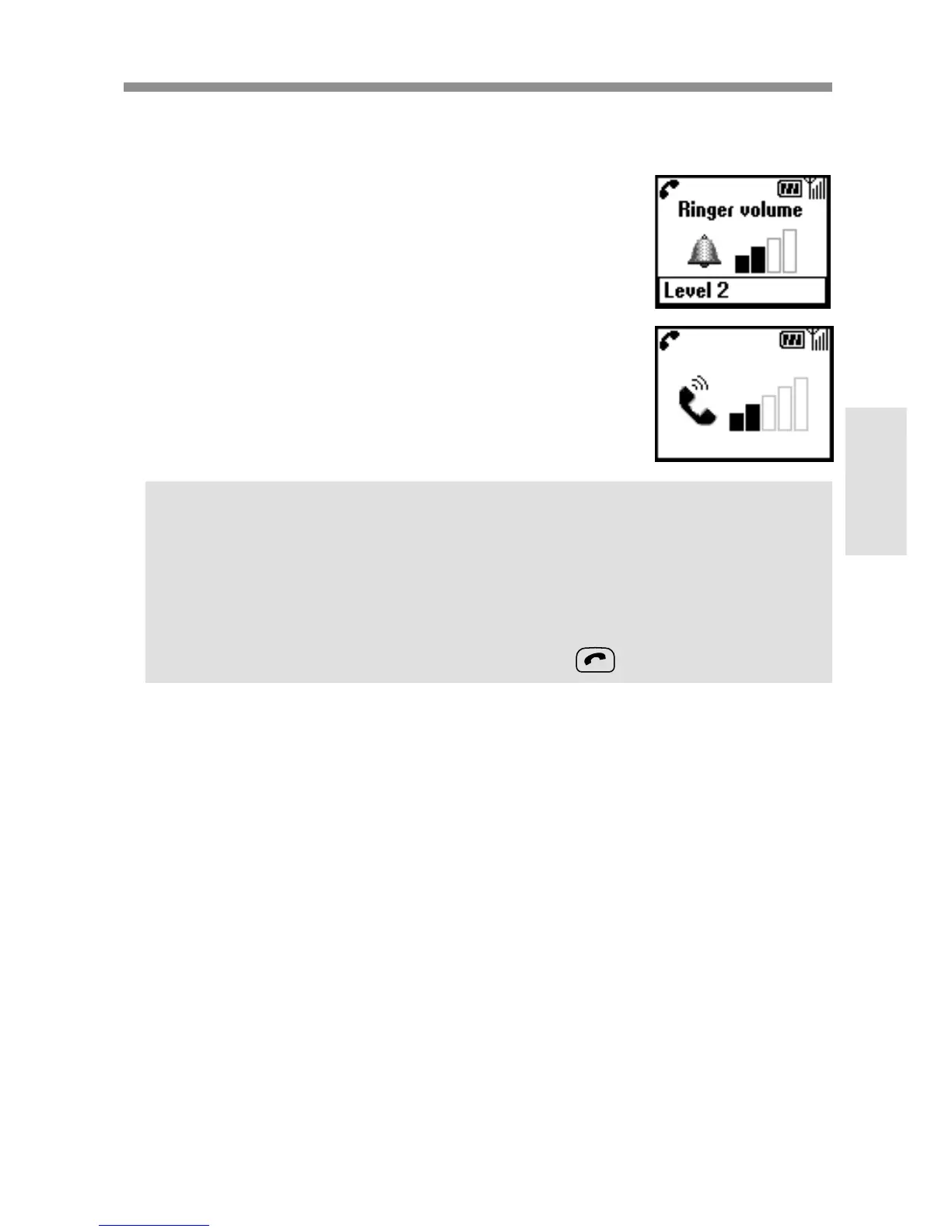
Adjusting the ringer/speaker volume
When your phone is ringing, you can adjust the
ringer volume by rotating the Jog Dial.
During a call, you can adjust the speaker volume by
rotating the Jog Dial. Rotate up to increase the
volume and down to decrease the volume.
Tips
•During a call, use your phone as a notepad to enter a phone number. If
you make a second call simultaneously, the active call is put on hold
(see also “Call hold”). Even when the call is ended, the number you
entered reappears on the display.
•Press the Jog Dial for the option to save the number in the Phonebook
or simply keep the Jog Dial pressed (or press ) to call the number.



 To Next Page