33
GB
Using the
Phonebook
Important
Entries might be changed or deleted due to malfunctions, repairs or other
circumstances.
To limit the risk of losing data make a copy of important entries such as phone
numbers. Also note that, we can not take responsibility for entries that are changed
or deleted.
Creating Entries in the Phonebook
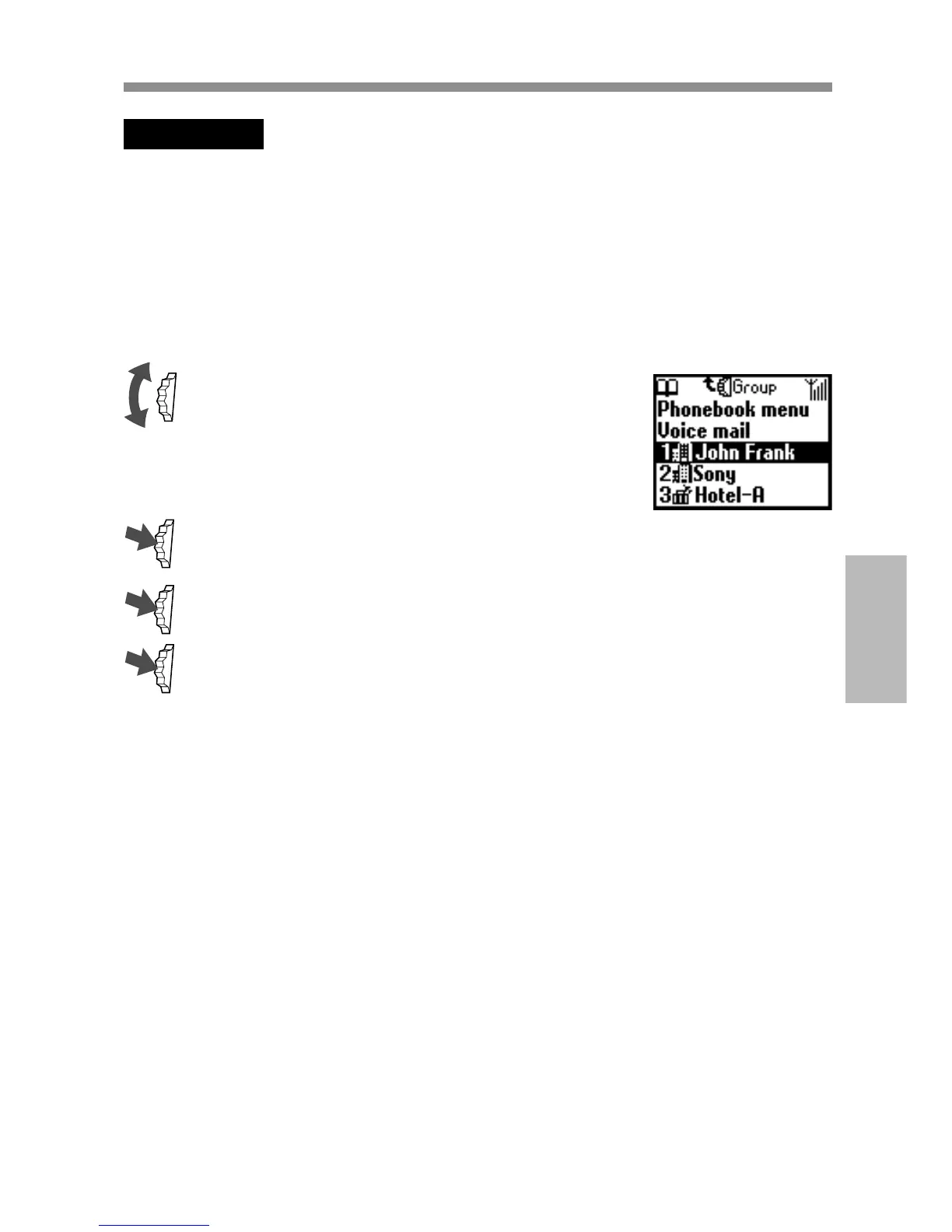
1 Rotate the Jog Dial in standby mode to
open the Phonebook.
2 Select Phonebook menu and press the Jog Dial.
3 Select New entry and press the Jog Dial.
4 Select SIM card to save the entry to the SIM card memory or
Phone memory, press the Jog Dial to confirm.
This step is skipped if “Choice” is not selected for the “Memory
in use” in the Phonebook menu (see page 41).



 To Next Page