Extras Menu
Operations
79
GB
Extras Menu Operations
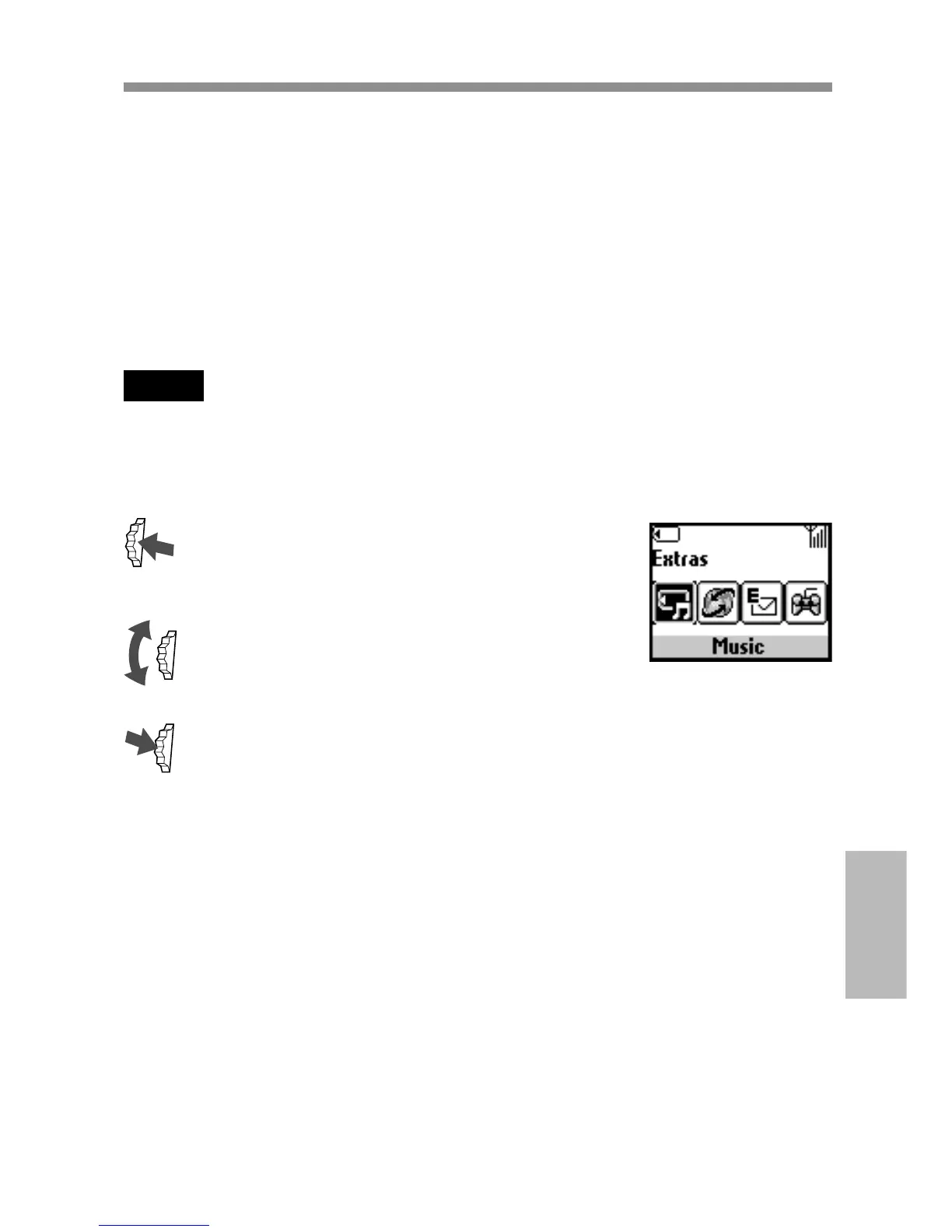
Your phone has the Extras menu consisting of “Music,” “Browser,” “E-
mail,” “Games” and “MS viewer.”
To enjoy music, be sure to insert a “MagicGate Memory Stick” beforehand.
It is necessary to register with a service provider in order to use this
telephone as a browser or for E-mail. In some cases registration has
already been completed.
Check with your service provider in advance to confirm whether or not
this phone has access to these services. Also, check with your service
provider when using this phone overseas.
Note
When access to SIM card service is available, the menu is displayed in Extras. For
further details, you need to check with your network operator.
Selecting a menu item in Extras menu
1 Press the Jog Dial backward in standby
mode.
The Extras menu appears.
2 Rotate the Jog Dial to select the desired
menu.
3 Press the Jog Dial to enter the menu
choice.



 To Next Page