8
GB
The Basic Features of Your Phone
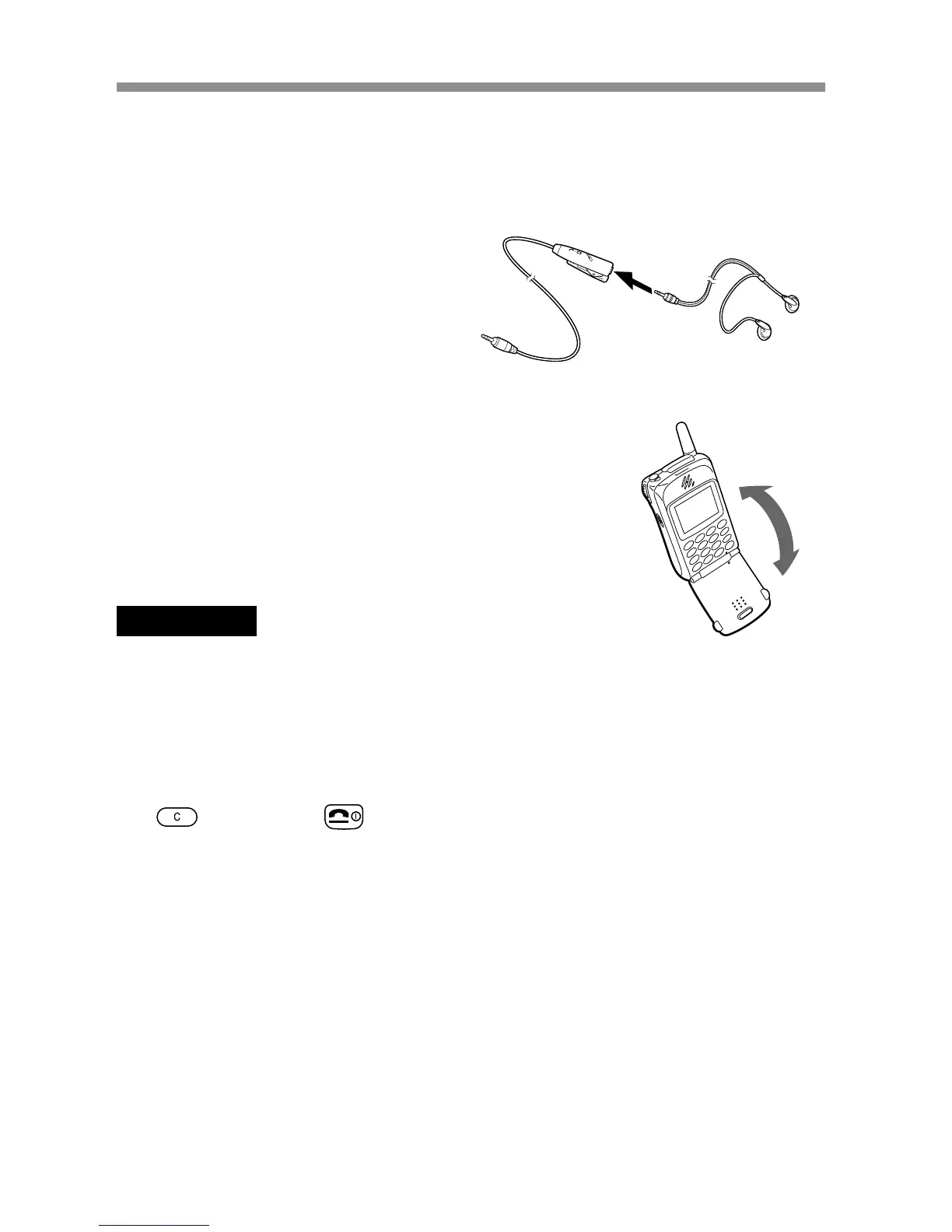
• Flip call
You can answer a call by opening the flip cover.
This feature can be set up by the menu operation.
Important
Opening and closing the flip cover may cause the screen to flicker, however this is
not a defect.
• Tag window
You can still see tags on the display even with the flip cover closed.
Information corresponding to each tag can be displayed. To clear the tag,
use
, Jog Dial, or .
To connect the headphones to the remote
To connect the headphones, plug into the headphone
jack on the remote firmly.
No sound will be heard if the connection is loose.



 To Next Page