28
GB
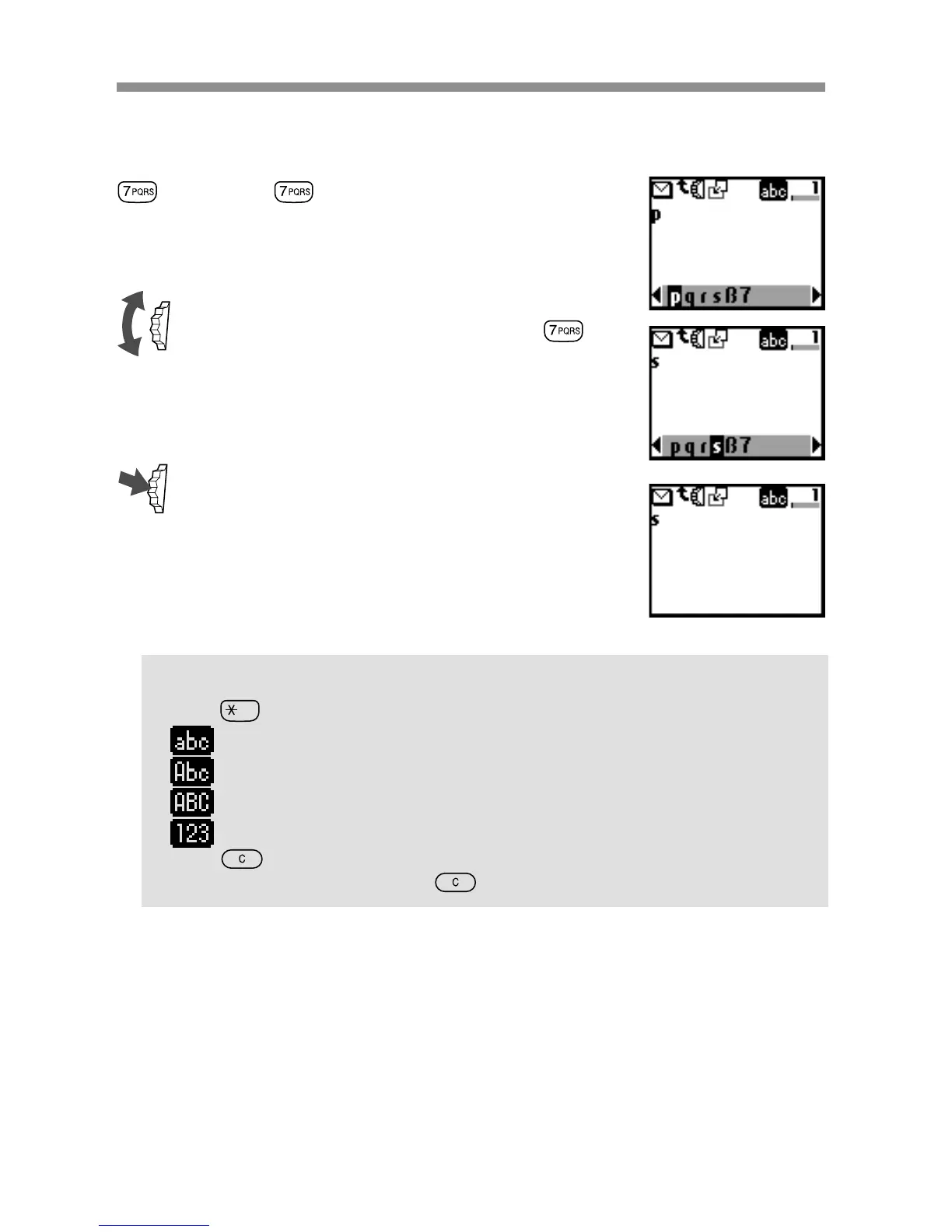
Example:
To enter “s” when creating a message.
1 Press .
A character or number appears.
2 Rotate the Jog Dial to “s”(or press
three more times).
3 Press the Jog Dial (or wait for a moment).
Tips
•Press to shift between:
......lower case letters permanently
......an upper case letter and then revert back to lower case
......upper case letters permanently
......numbers
•Press to clear the character or number just before the cursor.
To clear the entire text, keep pressed.



 To Next Page