55
GB
Main Menu
Operations
Daily event list
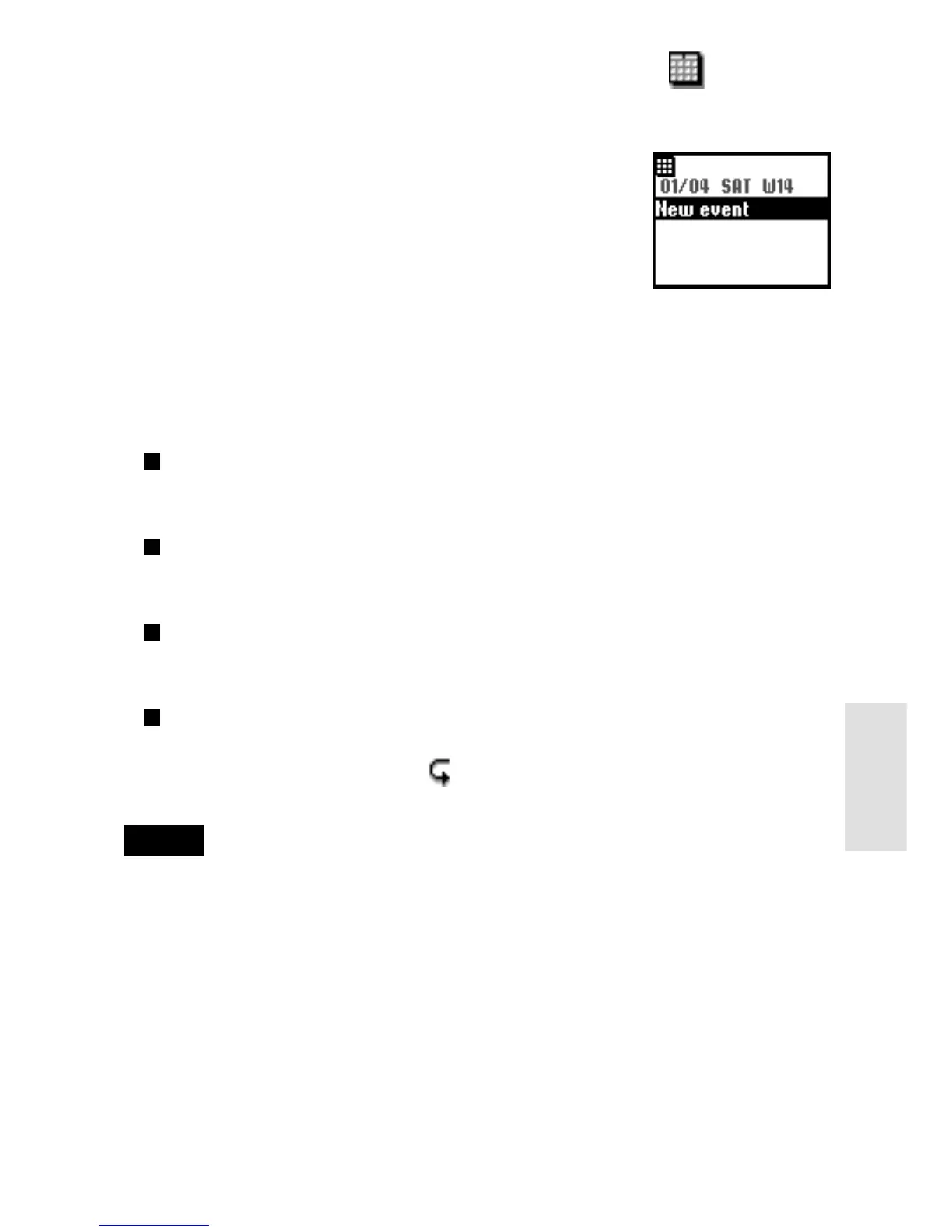
You can display your daily schedule, which holds up
to 4 events. Then, check it by rotating the Jog Dial.
Select the day from the calendar and press the Jog
Dial. Then select New event and press the Jog Dial
to save a new event.
Schedule menu
You can edit or delete events that are already saved.
Select the Daily item from the Daily event list and select Menu item by
press the Jog Dial.
Alarm
To set the alarm. You can also set 5 minutes before the specified time.
Edit
To edit the time, icon and details.
Delete
To delete the displayed schedule.
Repeat
To repeat recurring events weekly, monthly or yearly.
When repeat is set, the icon is displayed.
Note
Up to 4 events each day and a total maximum of 500 events can be saved.
SCHEDULE



 To Next Page